
Custody
Nobody knows who has it
Units move between warehouse, van and site on trust, and go missing somewhere in between.
PILLAR IV
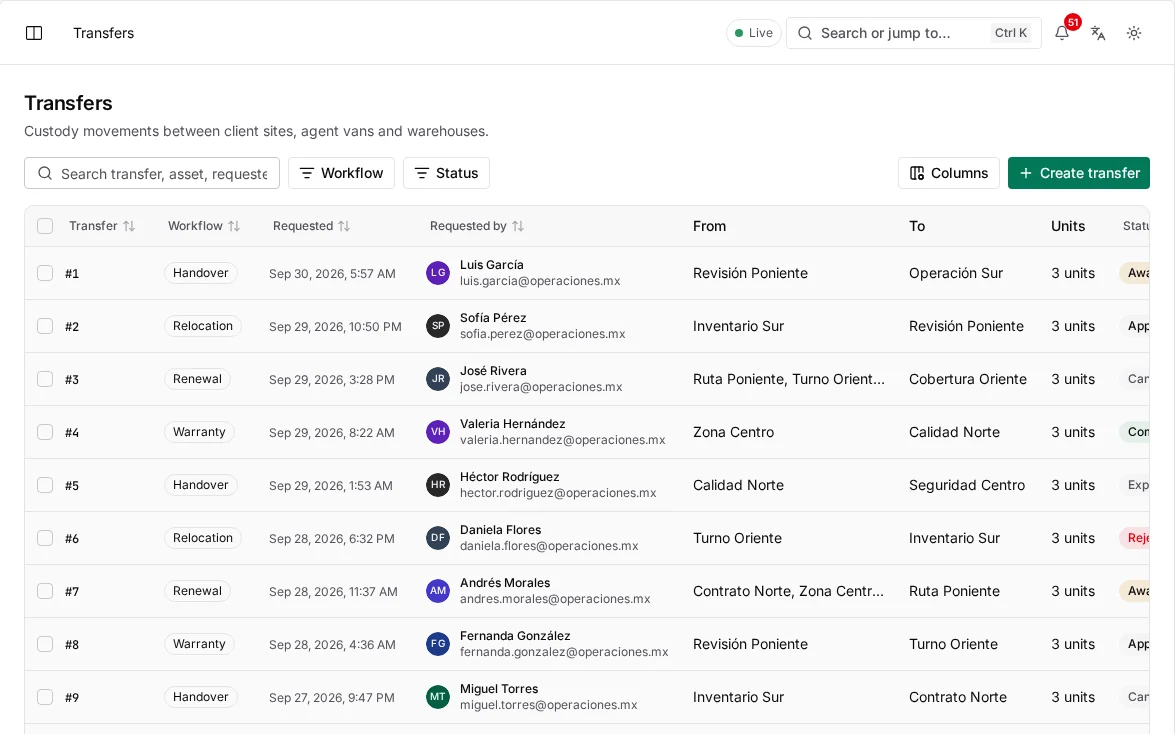
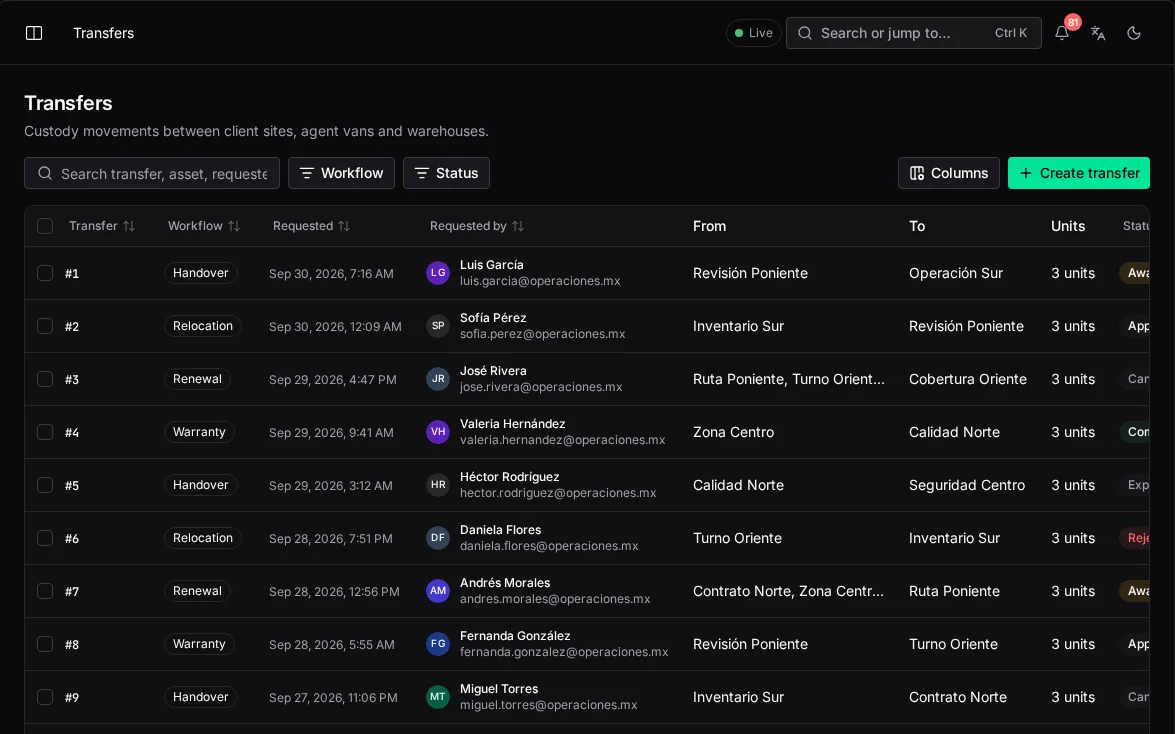
A unit only moves through a completed transfer, so its location and its history can never disagree.
The problem
Equipment changes hands many times a day. Each undocumented handoff is where it disappears.
Custody
Units move between warehouse, van and site on trust, and go missing somewhere in between.
Counts
Inventory is counted by hand, reconciled in a spreadsheet and wrong again the next morning.
History
A device's warranty, repairs and past visits live in different files, or nowhere.
How it works
From the day it arrives until the day it's discarded, every unit has one holder and one history.
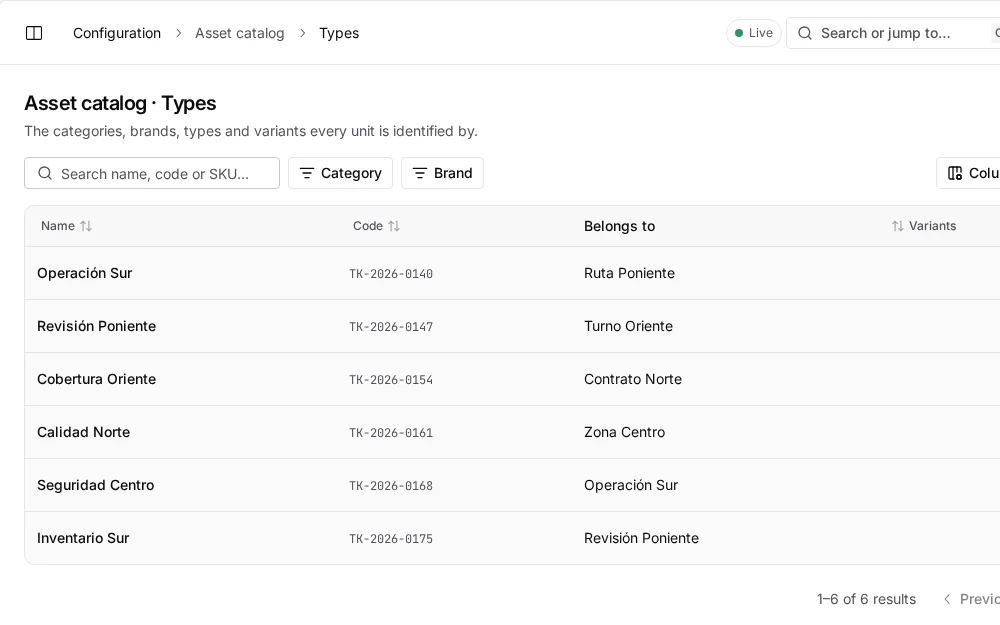
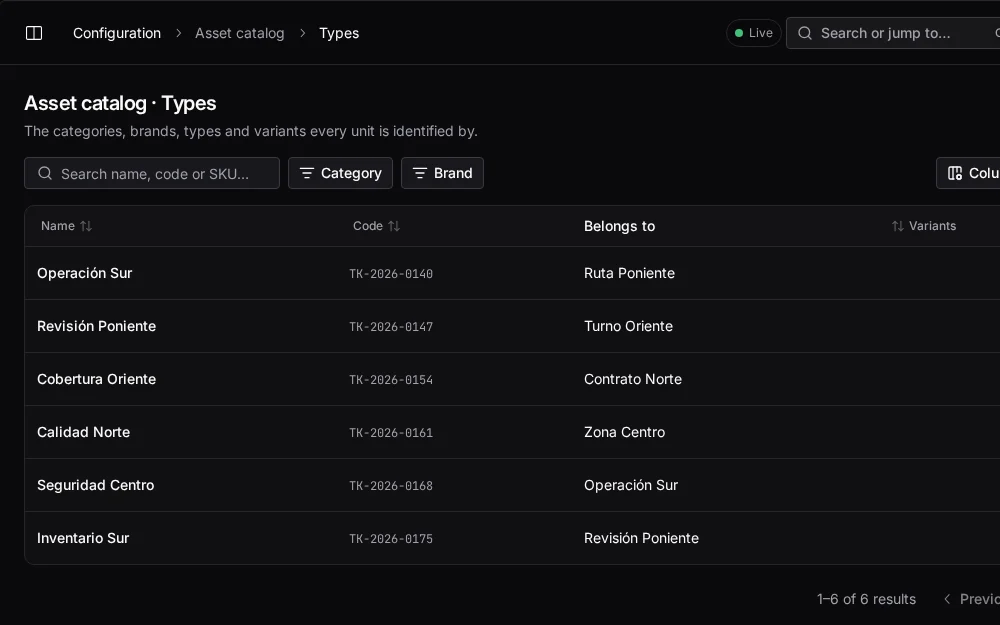
Four levels (department, brand, type and variant) where each variant carries its warranty, service life, cost, depreciation method and reorder threshold.
department → brand → type → variant (SKU)
Each unit has a serial and a barcode, a lifecycle (new, active, deprecated, discarded) and a custody status (in stock, deployed, in repair, removed) that move independently.
lifecycle and custody are separate
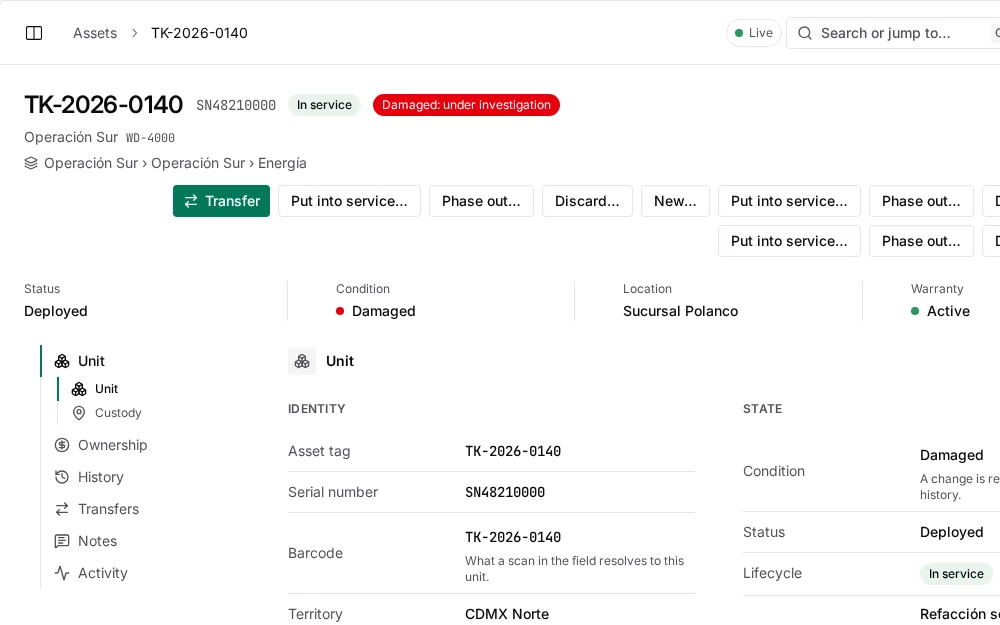
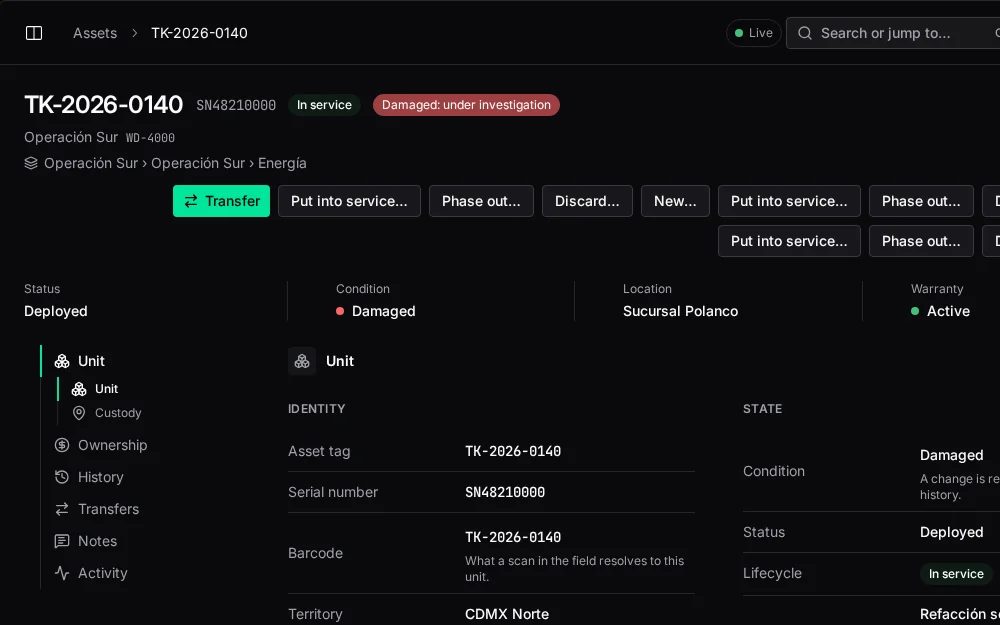
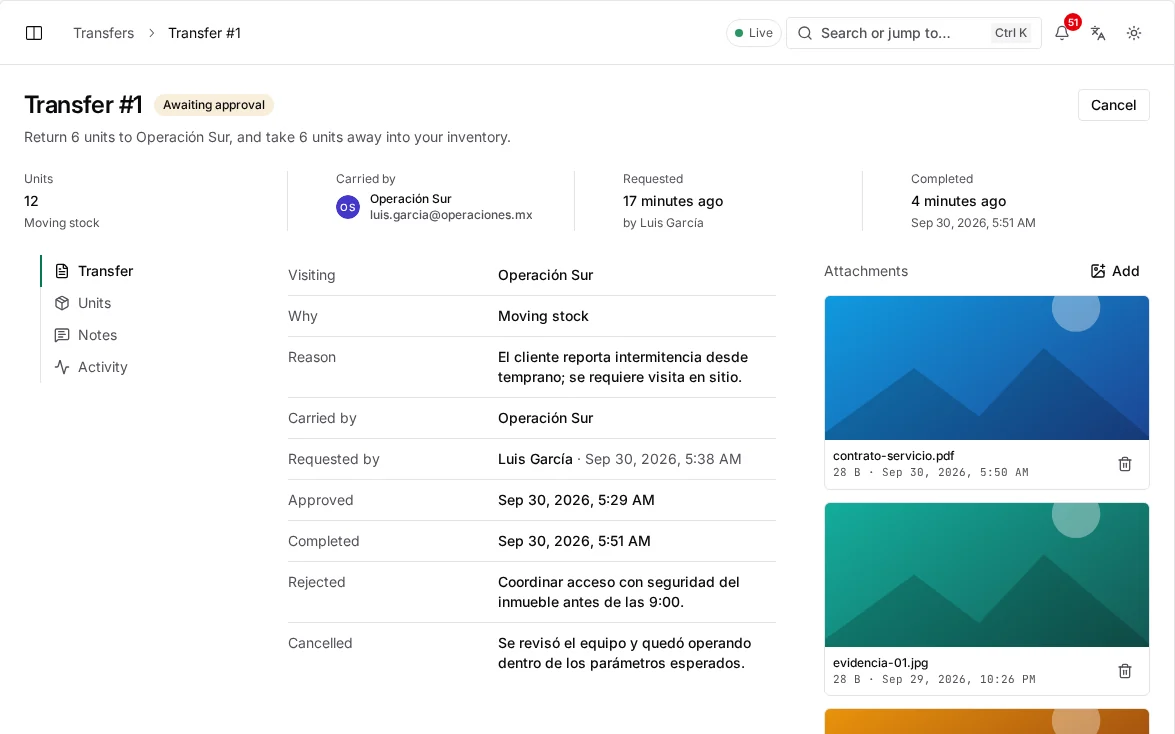
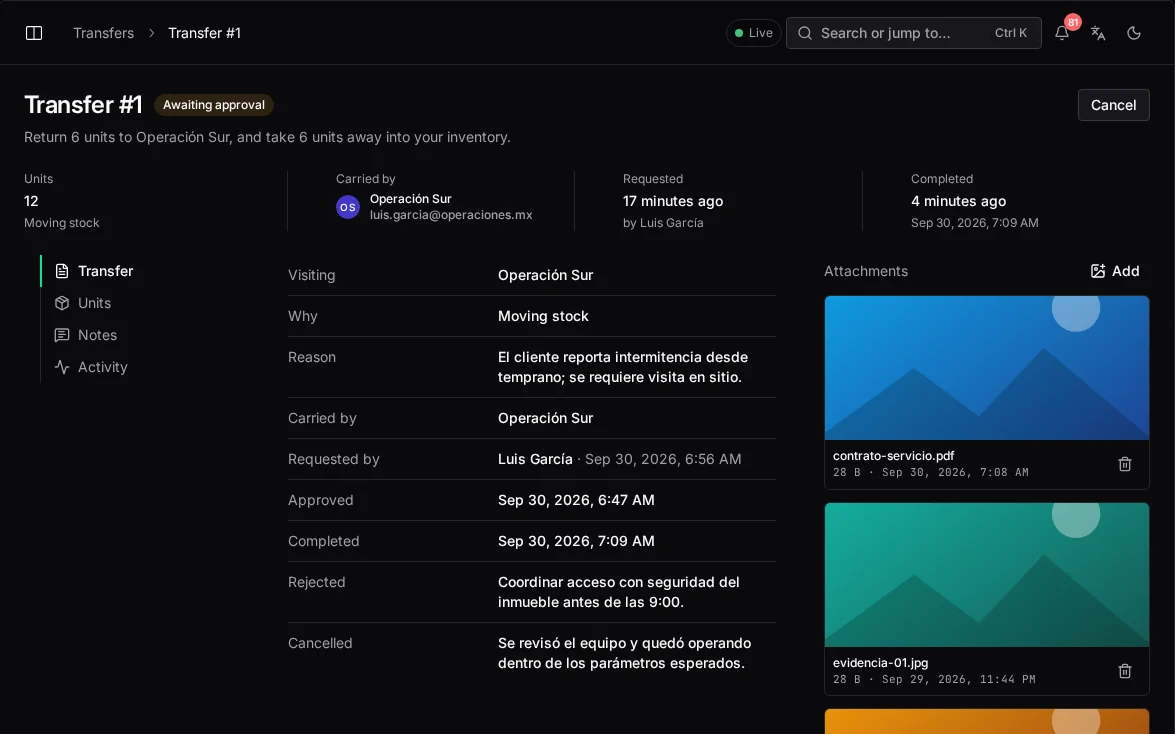
Warehouse to van, van to site, technician to technician: every move is a transfer, requested, approved where required and completed with a scan. Handovers between technicians use a QR code in the app.
location changes only when a transfer completes
Equipment installed or removed on a visit is registered against the ticket and the site, so each site's inventory and each unit's service history stay current.
ticket ↔ unit ↔ site
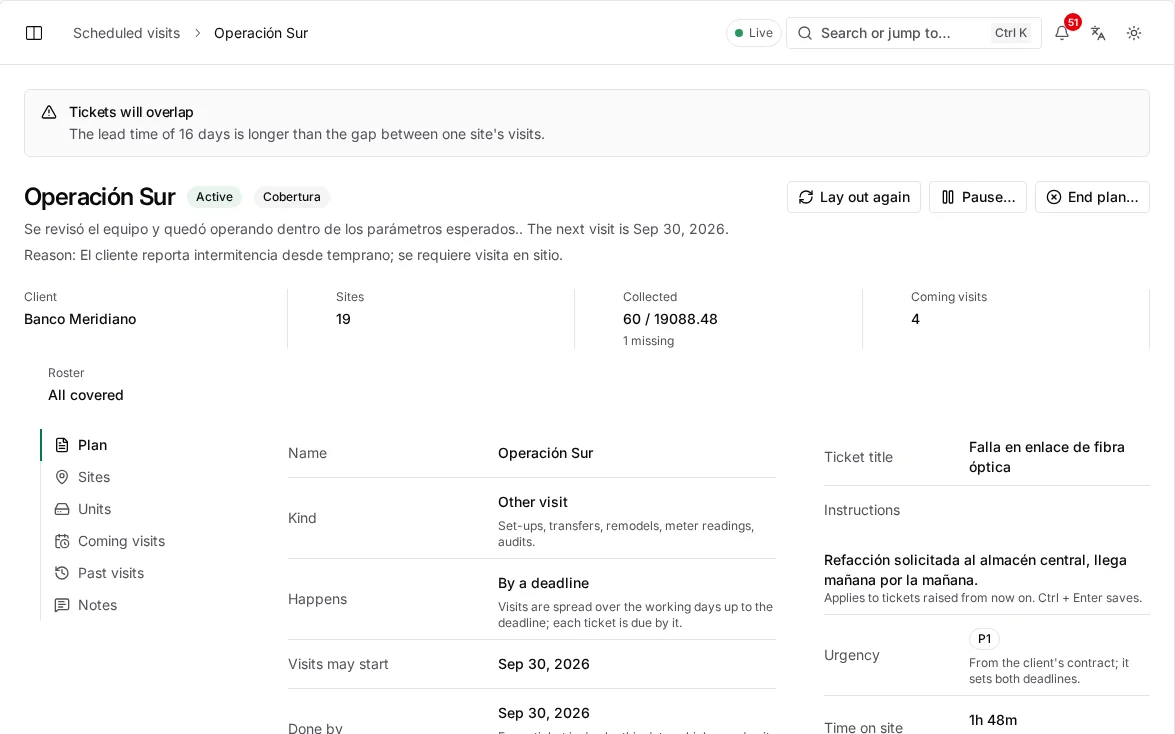
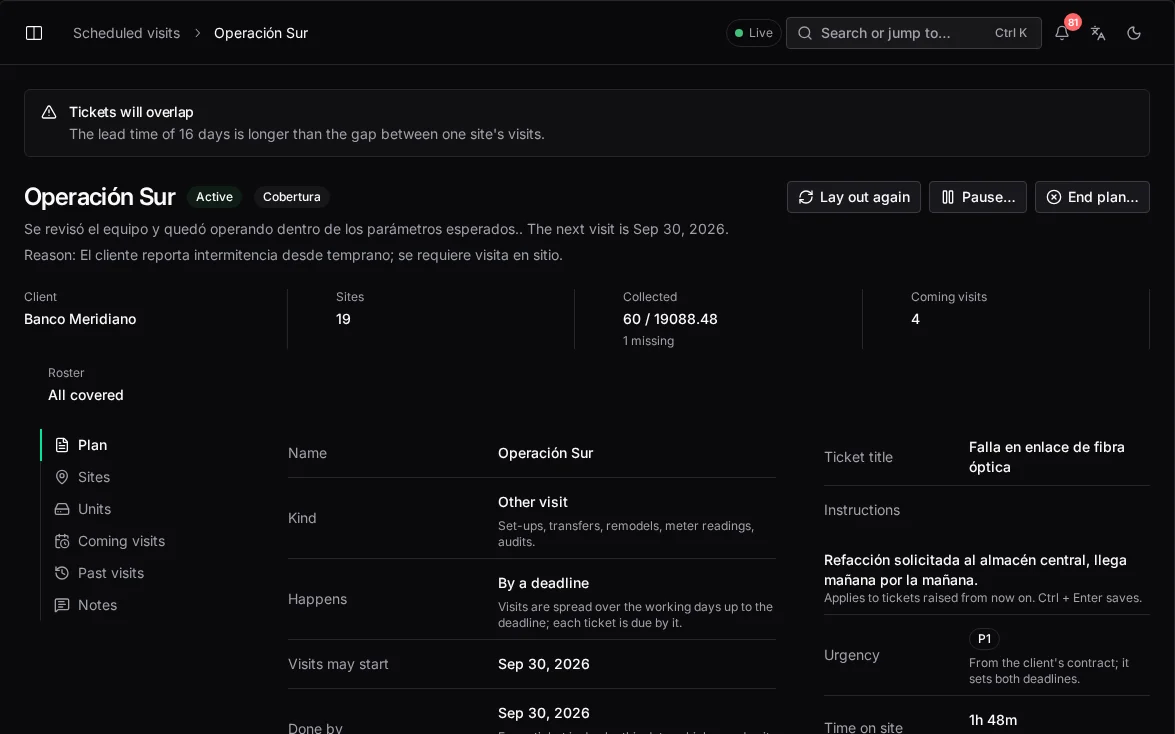
Mandated maintenance visits are generated from each client's contract schedule, with renewal plans for equipment reaching the end of its life.
every mandated visit, generated automatically
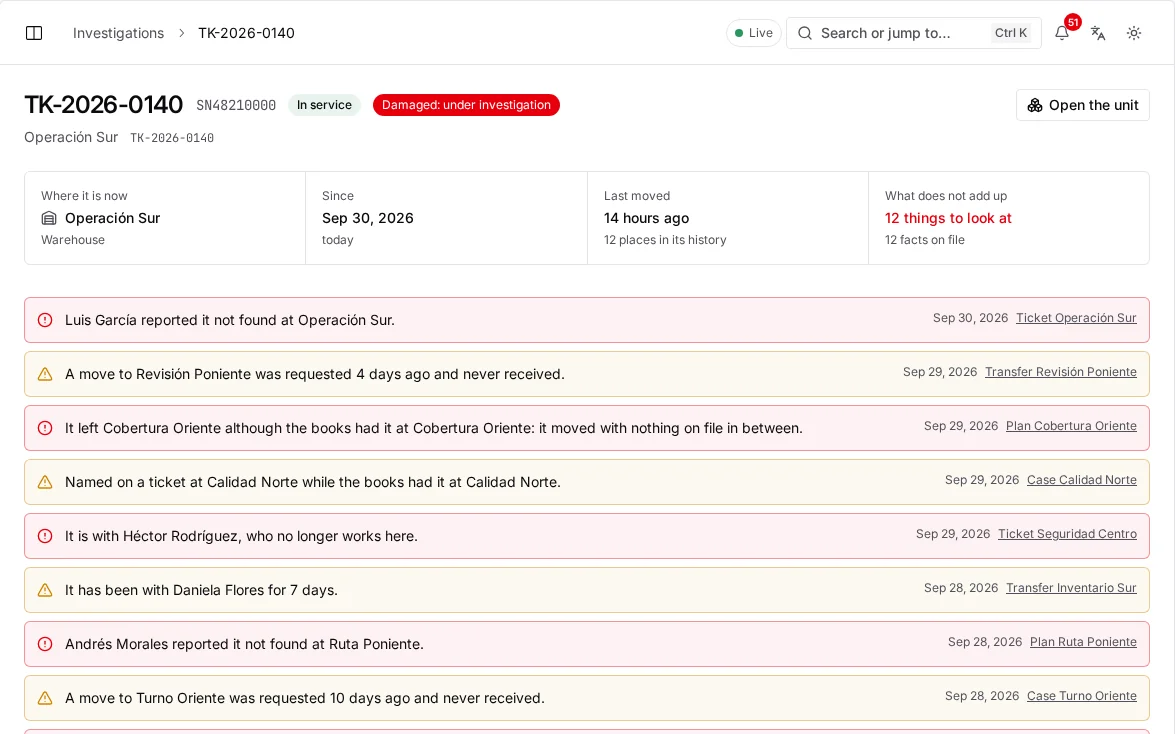
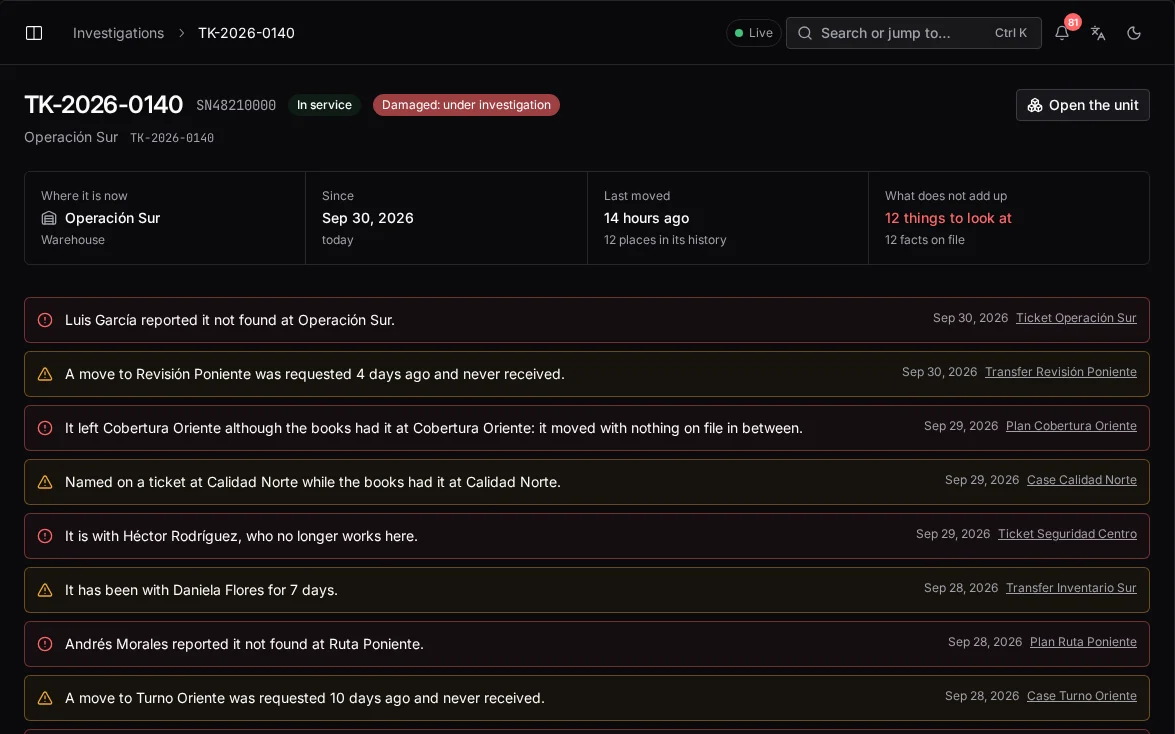
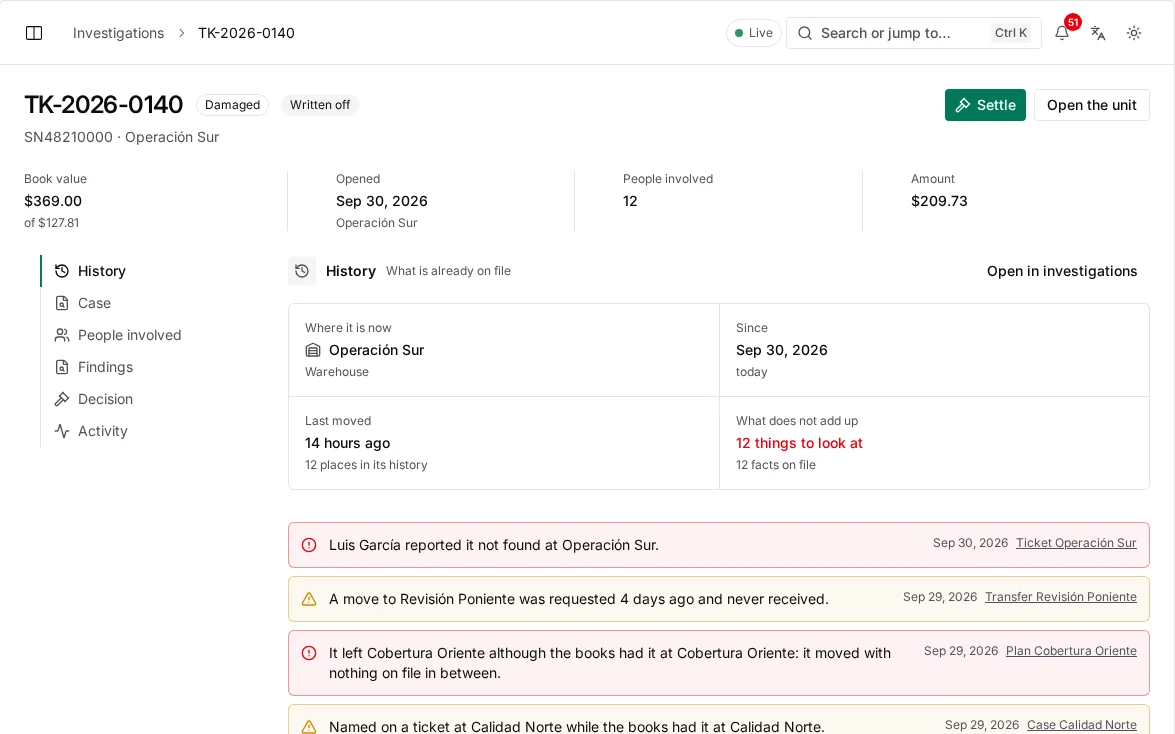
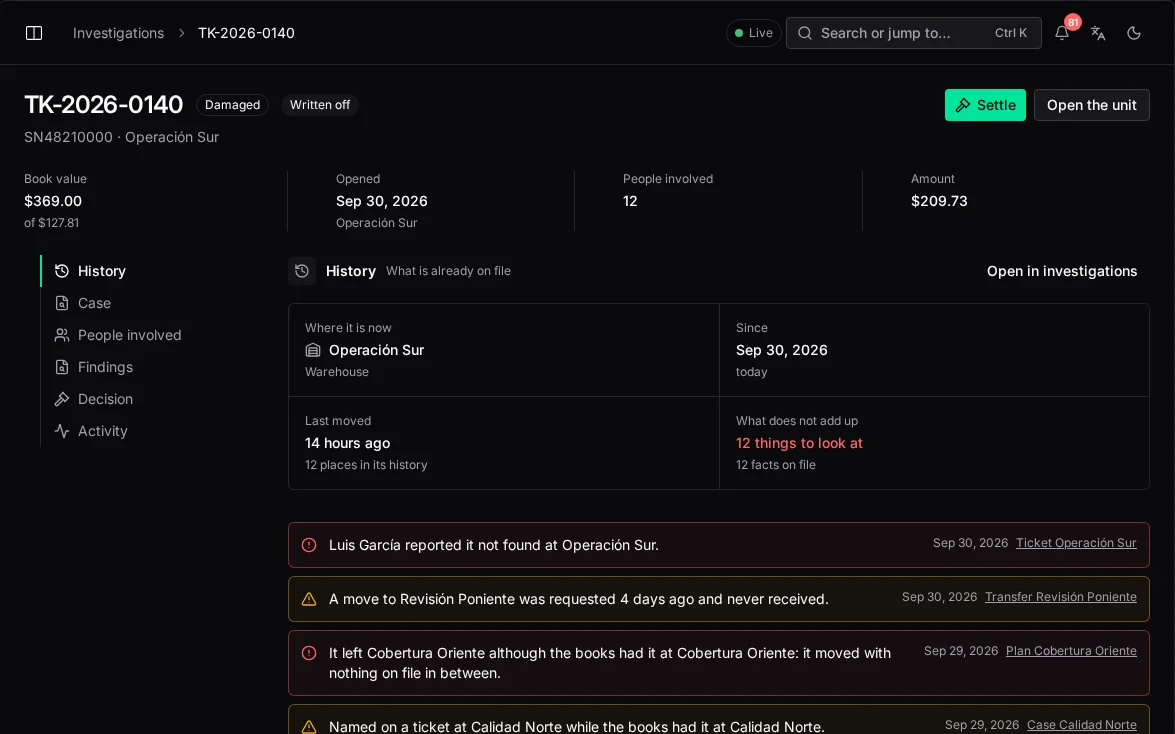
A missing or damaged unit opens an investigation, and the custody trail shows exactly who held it and when.
evidence: the full custody trail
Four levels (department, brand, type and variant) where each variant carries its warranty, service life, cost, depreciation method and reorder threshold.
department → brand → type → variant (SKU)
In numbers
The first months close the biggest gaps: stock leaving the warehouse without an owner, and equipment removed from sites that never made it back.
Equipment lost in transfers, by month
From the industry average of 8% to under 0.4% in six months.
| Lost units | |
|---|---|
| Month 1 | 8% |
| Month 2 | 5.1% |
| Month 3 | 2.4% |
| Month 4 | 1.1% |
| Month 5 | 0.6% |
| Month 6 | 0.38% |
Rules that always hold
Consistency
Because the only way to move a unit is a completed transfer, the sum of its moves is where it is.
Verification
Barcode and QR confirmations on each transfer, not a checkbox someone ticks later.
Warranty
Wherever a unit goes, its warranty end date and service life go with it.
Value
A unit can't be deprecated before it reaches its depreciation ceiling, so value isn't written off too soon.
Client view
In the portal, each client sees their units, warranties and renewals, and never another client's.
Audit
Transfers, approvals and catalog changes are written to the tamper-evident logistics log.
Configuration
Who uses it
Executive
Knows what the company owns, where it is, what it's worth and what each ticket really costs.
Field technician
Sees the van's stock, requests transfers and hands units over by QR in seconds.
Client regional manager
Tracks every unit across the region, with warranties and renewals, in the client portal.
A 30-minute briefing with your dispatch, payroll and asset flows on screen.
Keep exploring
Intelligence
What each model answers, where it appears, and what it will never do on its own.
The visibility gap
What running on WhatsApp and spreadsheets really costs, and what changes with one record.
Security
Access by role and territory, sign-in, encryption, the audit log and devices in the field.
Changelog
New capabilities and improvements across the console, field app and platform.