
Attendance
Timesheets on trust
Hours written by hand and mileage reported by the technician: easy to inflate, impossible to check.
PILLAR III
Clock-ins proven by geofence, mileage measured by GPS, expenses checked by policy, and a payroll period that exports only what was verified.
The problem
When hours and kilometers are self-reported, every payroll run becomes an investigation.
Attendance
Hours written by hand and mileage reported by the technician: easy to inflate, impossible to check.
Payroll
Controllers match chats, receipts, invoices and GPS exports before anyone can be paid.
Vendors
Invoices approved without proof the job was done, or that it passed quality checks.
How it works
Each amount paid can be traced back to a verified record: a geofenced shift, a GPS trip, a photographed receipt or a job that passed QA.
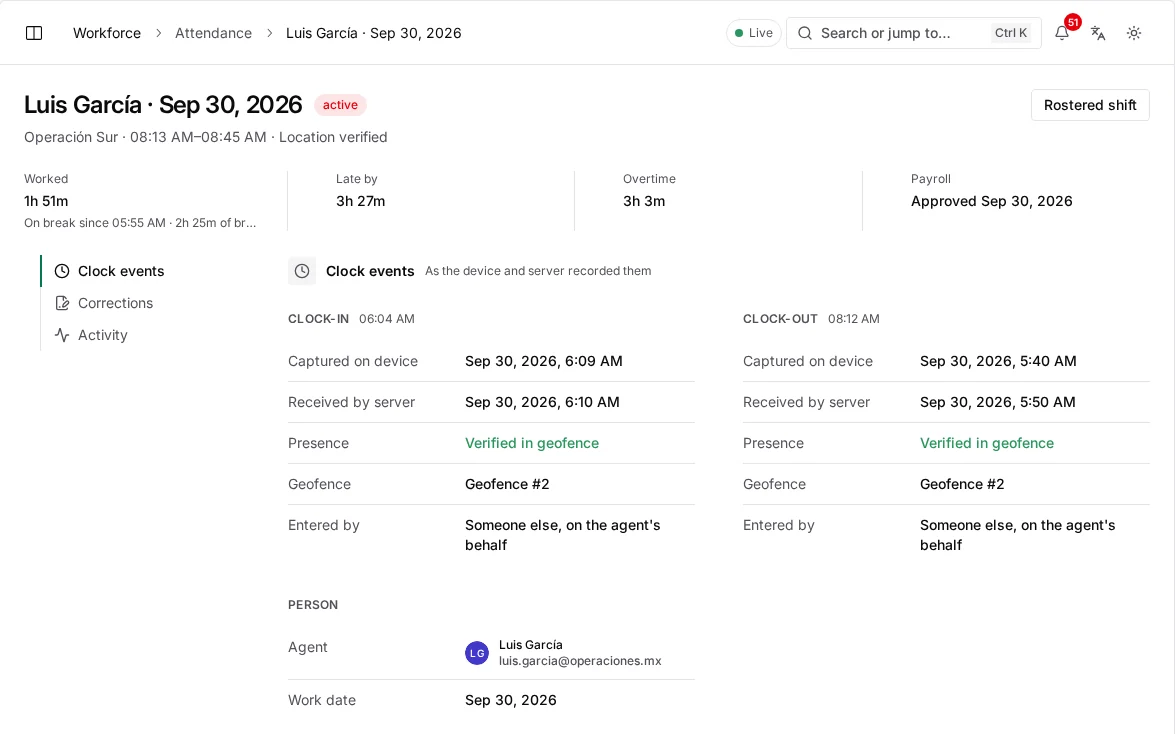
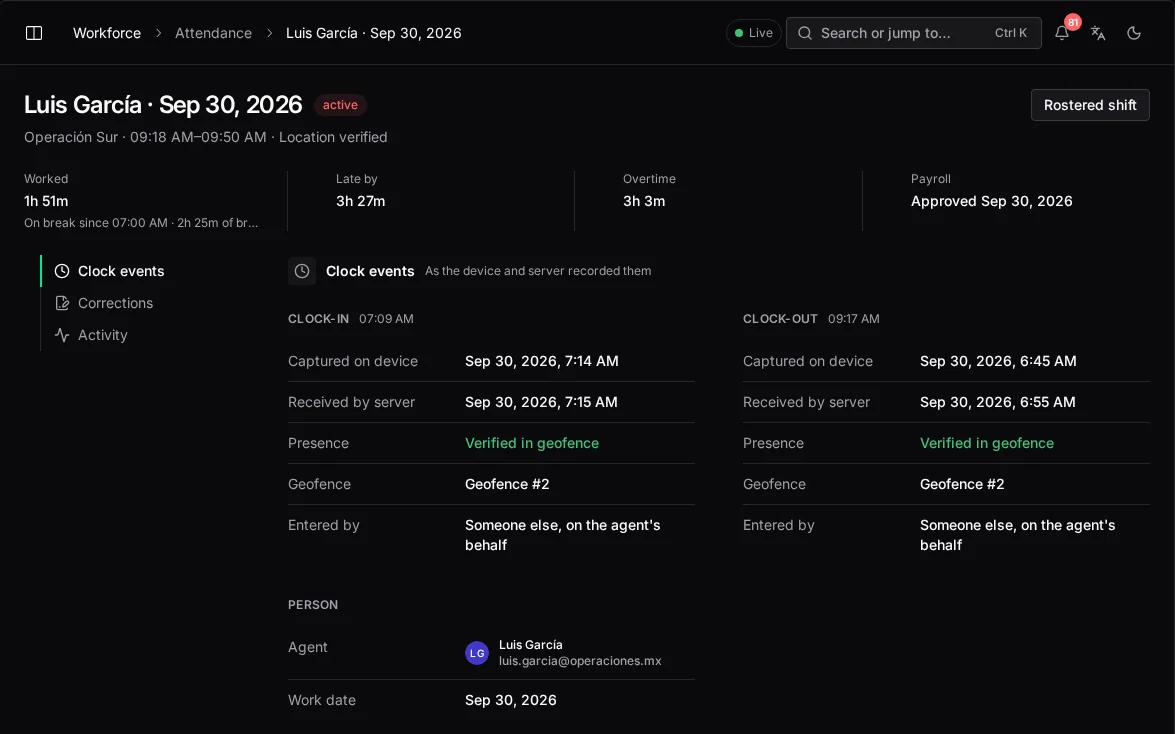
Clock-in and clock-out only count inside an authorized geofence (a client site, warehouse or depot) with an accurate, non-mocked GPS fix. Home clock-in exists only where the employee file allows remote work and the NOM-037 home-office checklist is complete.
not mocked → has a fix → accuracy ≤ 50 m → inside a fence
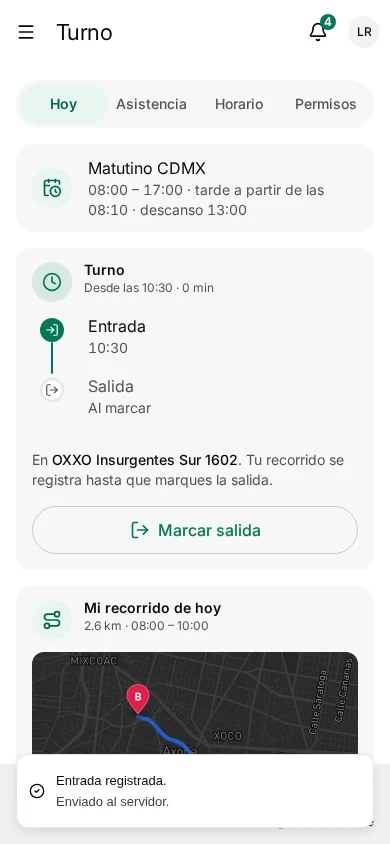
Each clock-in is matched to the published roster. Lateness, breaks, legal rest and overtime are computed from the events, not typed in.
roster match window: 120 min
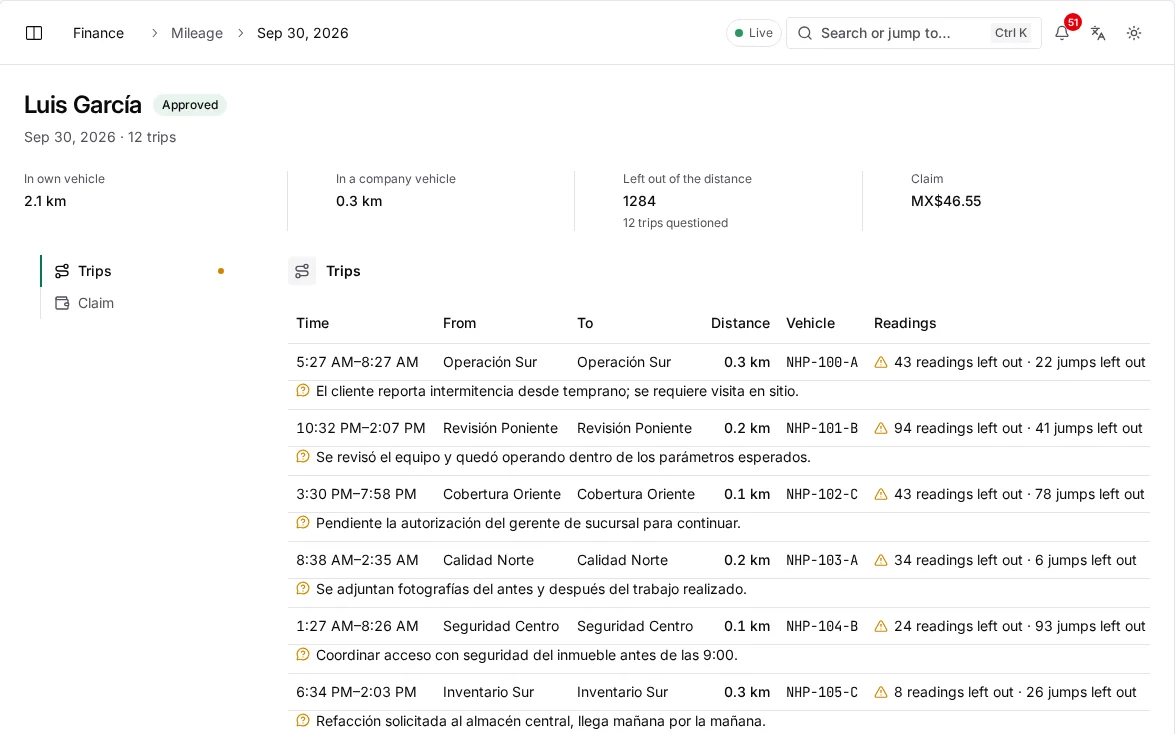
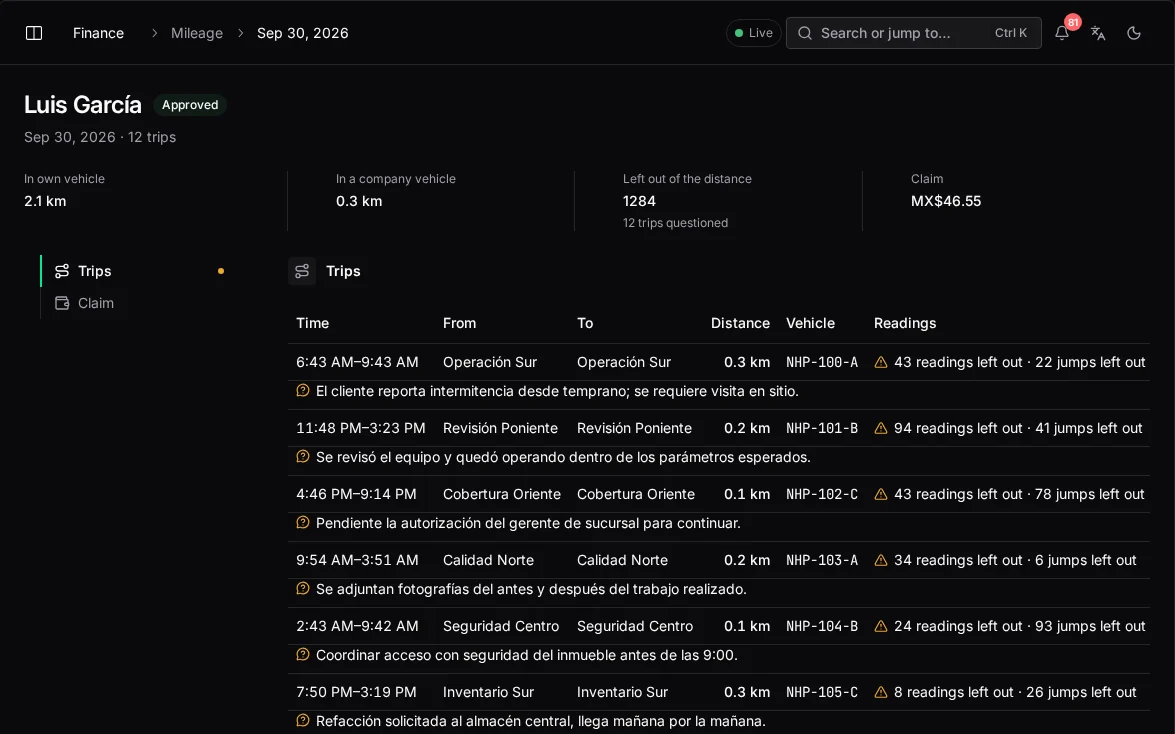
The GPS trail between clock-in and clock-out is split into trips at each arrival. Mocked, imprecise and impossible segments are left out and counted separately. Personal-vehicle trips are reimbursed at the policy rate.
excluded: mocked · low confidence · impossible travel
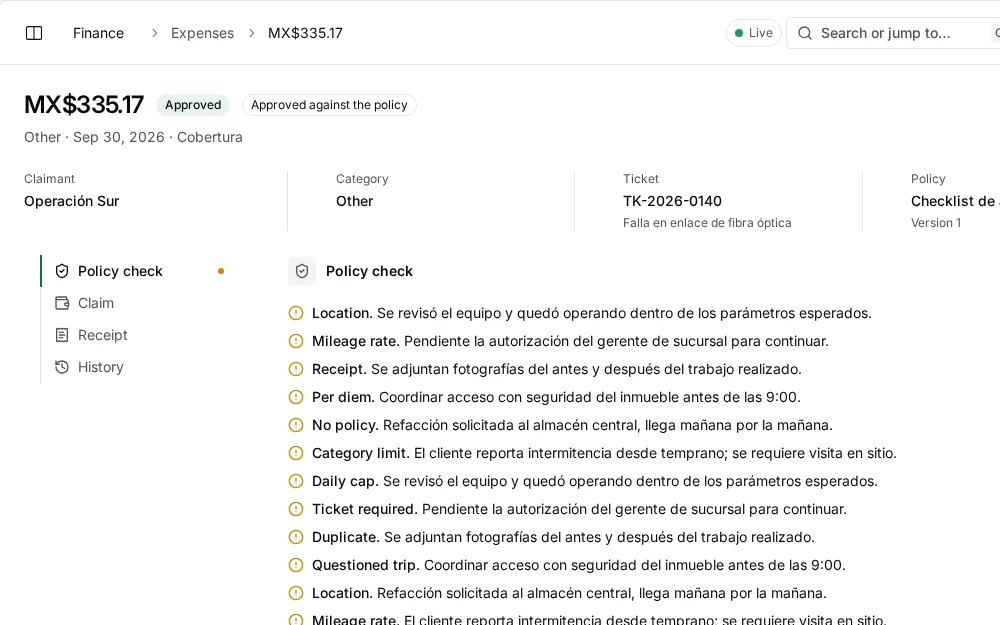
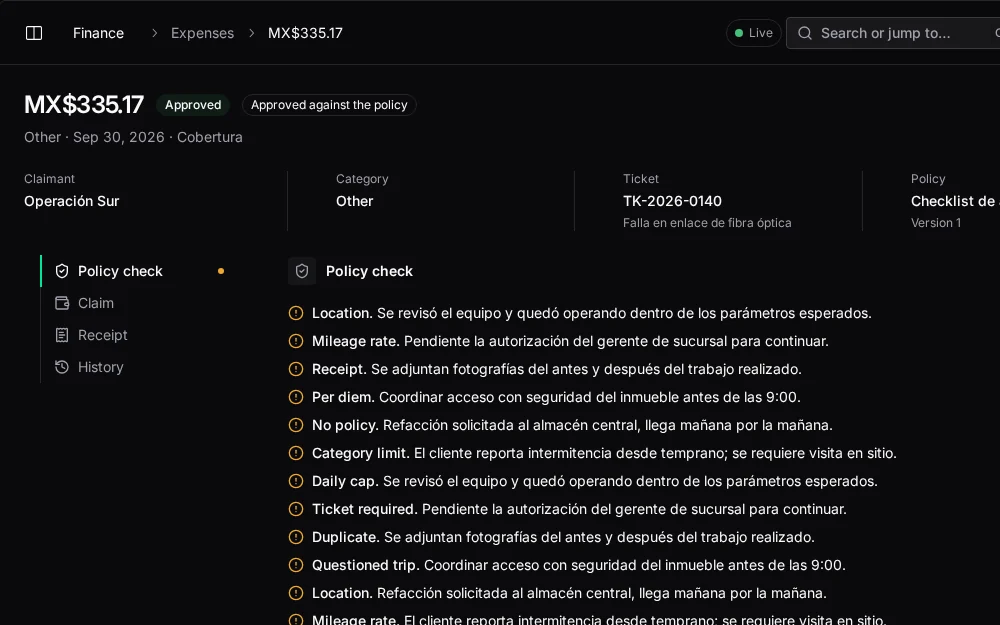
Receipts are photographed in the app and tied to the ticket and the place they were claimed. The policy engine approves clean claims, sends unusual ones to review and holds duplicates or claims missing evidence.
approved · under review · policy hold
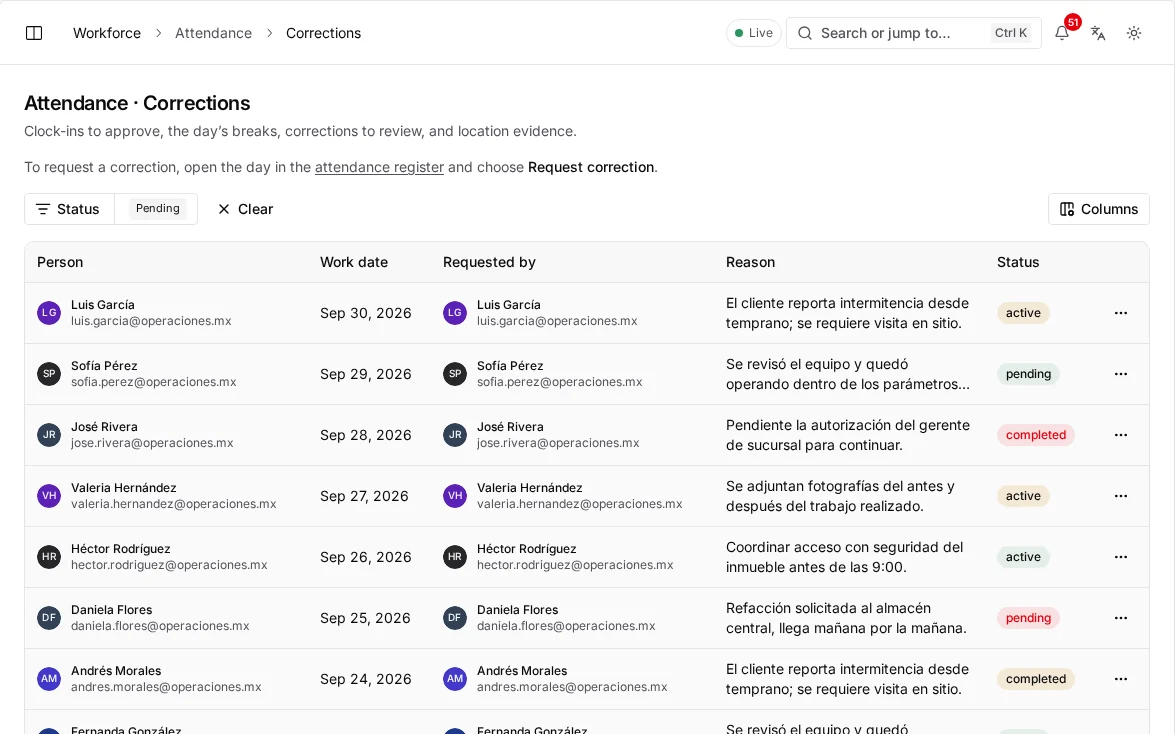
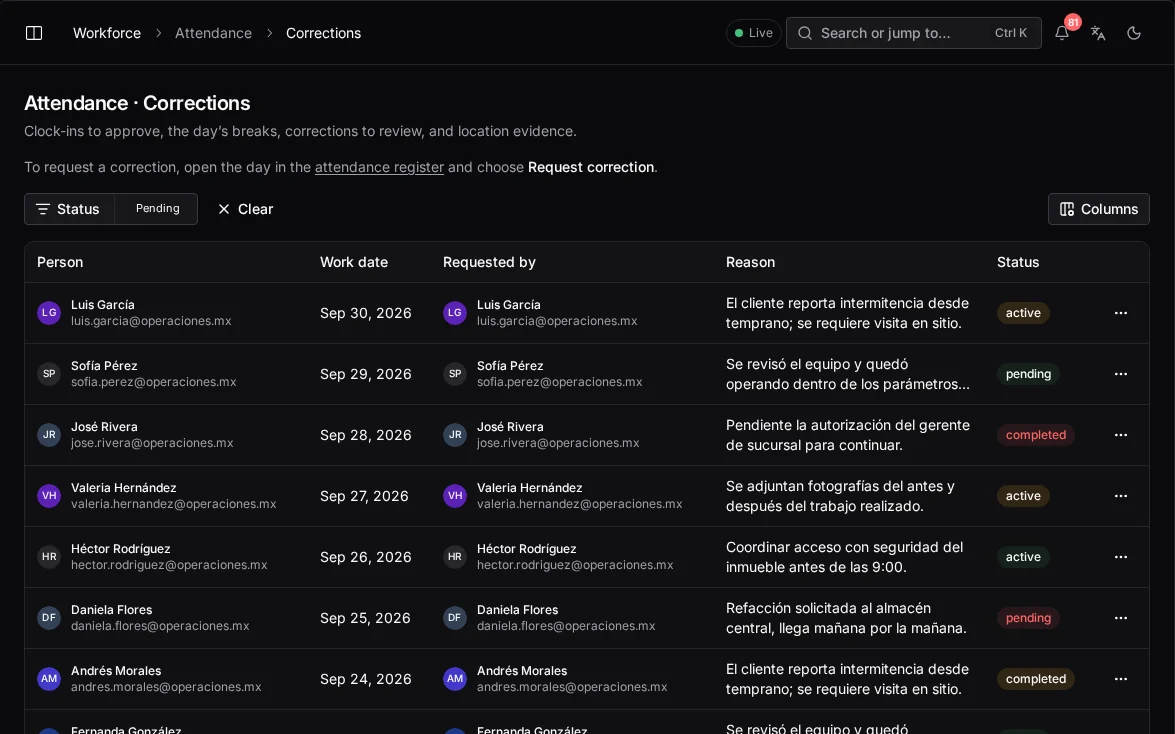
A wrong record is fixed through a correction request that keeps the original, answered by someone other than the person asking.
original + correction, both on the record
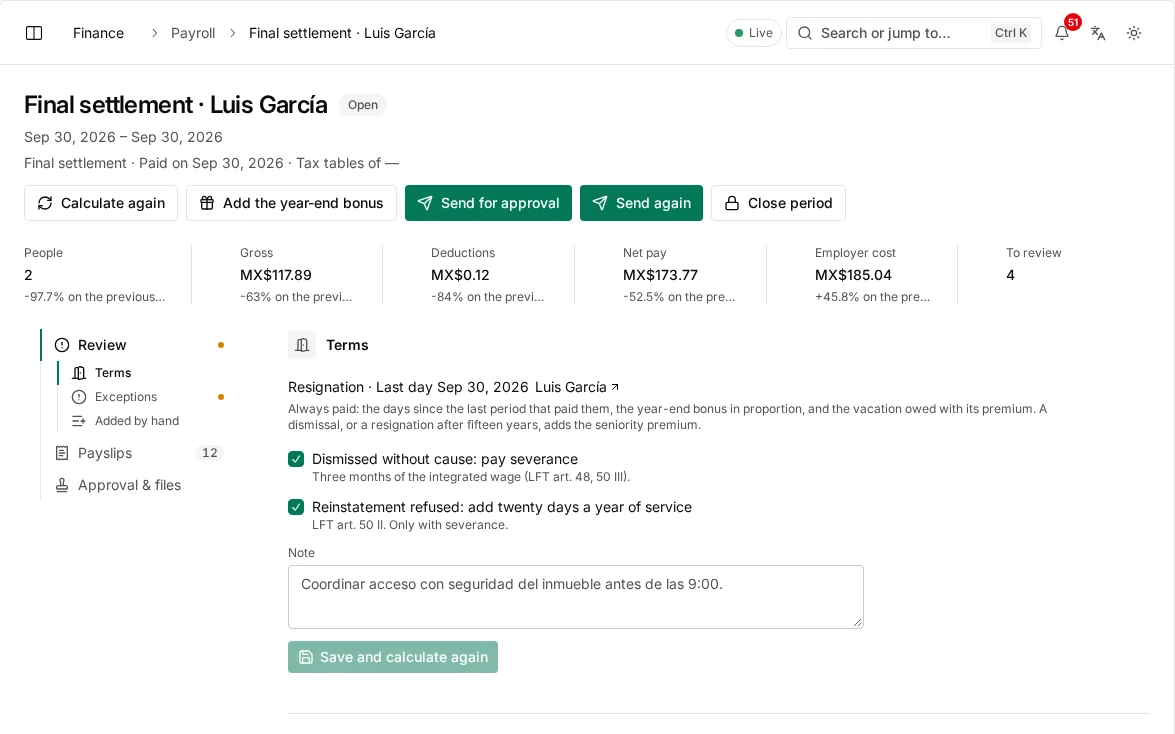
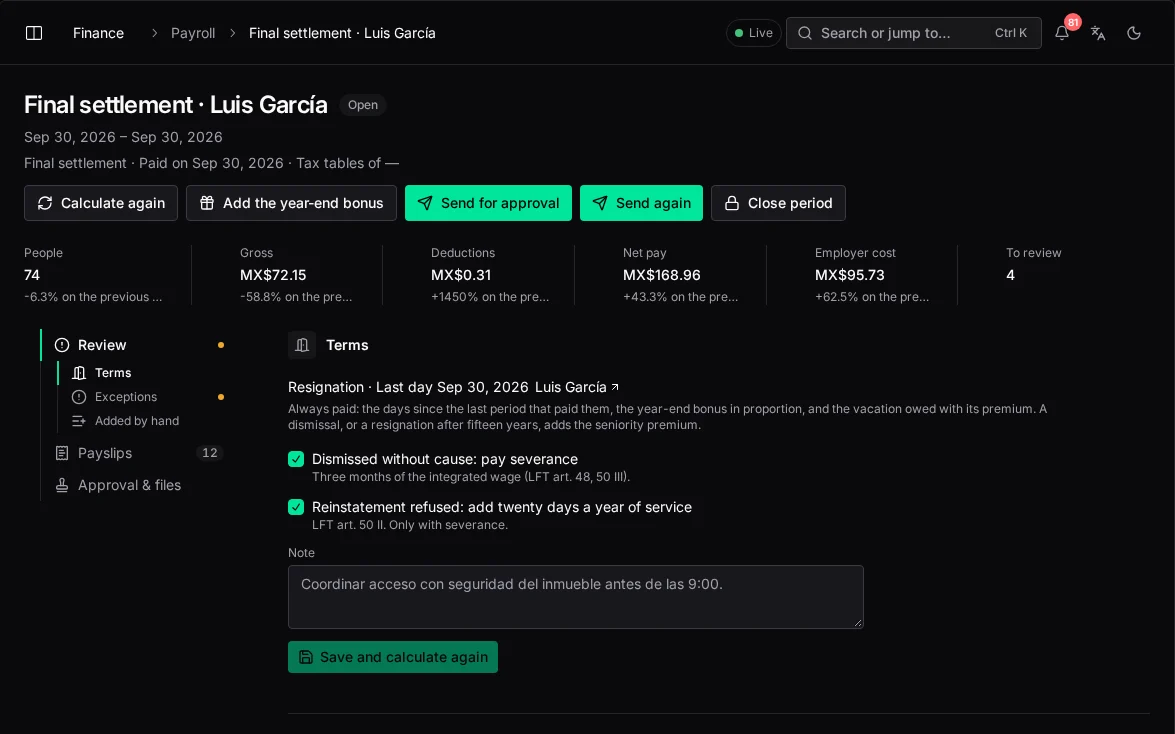
The payroll period freezes approved hours, mileage and expenses and exports them to your payroll provider, bank or ERP. Contractor payouts follow jobs that passed quality checks.
export: verified records only
Clock-in and clock-out only count inside an authorized geofence (a client site, warehouse or depot) with an accurate, non-mocked GPS fix. Home clock-in exists only where the employee file allows remote work and the NOM-037 home-office checklist is complete.
not mocked → has a fix → accuracy ≤ 50 m → inside a fence
In numbers
As more technicians clock in by geofence, fewer hours need checking by hand. By the end, the controller only reviews exceptions.
Hours to prepare the weekly payroll
From 14 hours of cross-checking to a 15-minute review of exceptions.
| Hours | |
|---|---|
| W1 | 14 h |
| W2 | 13.5 h |
| W3 | 12 h |
| W4 | 9 h |
| W5 | 6.5 h |
| W6 | 4 h |
| W7 | 2.5 h |
| W8 | 1.5 h |
| W9 | 0.8 h |
| W10 | 0.5 h |
| W11 | 0.3 h |
| W12 | 0.25 h |
Rules that always hold
Traceability
A geofenced shift, a GPS trip, a photographed receipt or a job that passed QA. Estimates are never paid.
Integrity
A clock-in is the whole evidence for a day's pay, so a mocked or imprecise fix doesn't count. The technician is told why.
Transparency
Their own trail, hours and scorecard. Transparent data protects a technician's record as much as the company's.
Duties
Whoever builds the roster isn't the one who approves the hours worked against it.
Mexico
Legal breaks, vacation entitlement and the digital employee file, following Mexican regulation.
Scope
waydot sends verified payroll and payout data to the payroll provider, bank or ERP you already use. Your books stay where they are.
Configuration
Who uses it
Financial controller
Runs payroll from verified attendance in minutes and approves vendor payouts with the evidence attached.
HR administrator
Handles attendance, leave, documents and certifications with no manual time entry.
Field technician
Sees each day's trips, hours and expenses, and can flag a trip that looks wrong.
A 30-minute briefing with your dispatch, payroll and asset flows on screen.
Keep exploring
Intelligence
What each model answers, where it appears, and what it will never do on its own.
The visibility gap
What running on WhatsApp and spreadsheets really costs, and what changes with one record.
Security
Access by role and territory, sign-in, encryption, the audit log and devices in the field.
Changelog
New capabilities and improvements across the console, field app and platform.