
Assignment
Whoever comes to mind
The nearest technician is a guess, and nobody can explain afterwards why one person got the job.
PILLAR I
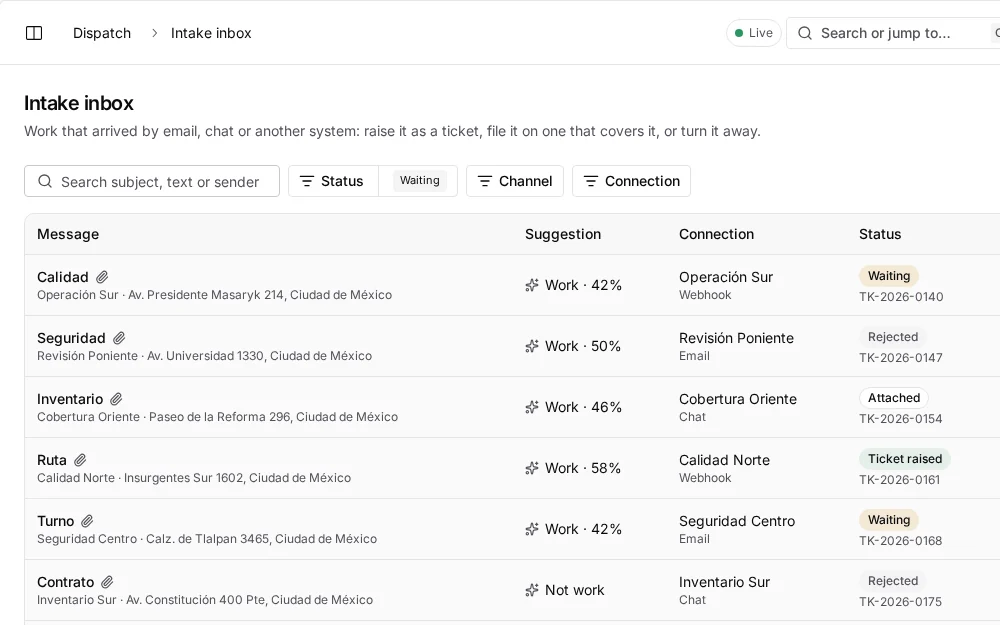
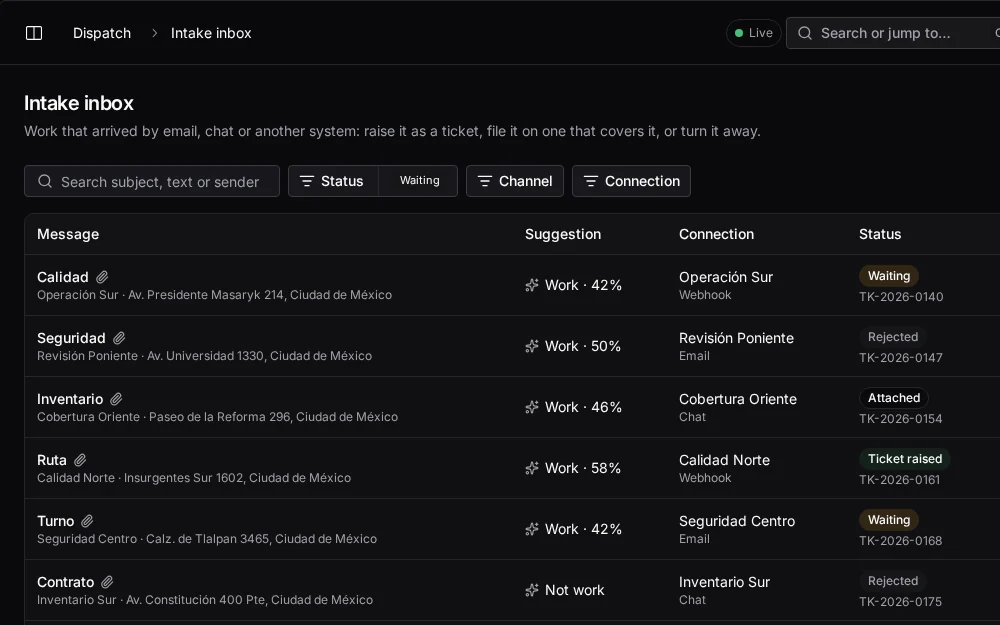
Every ticket is checked against live traffic, skills, workload and shifts, assigned or offered in seconds, and watched until someone takes responsibility for it.
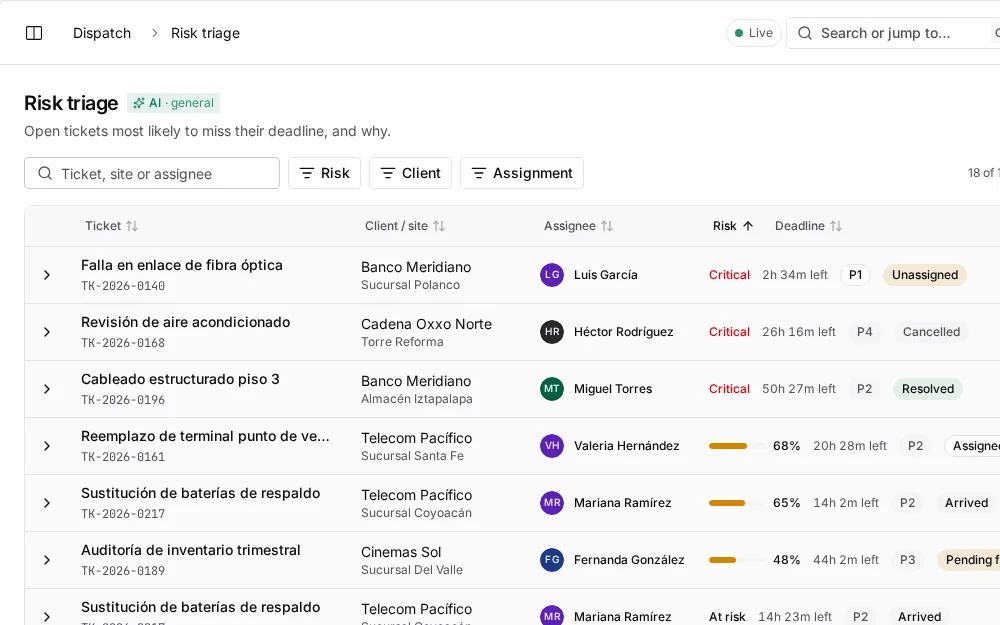
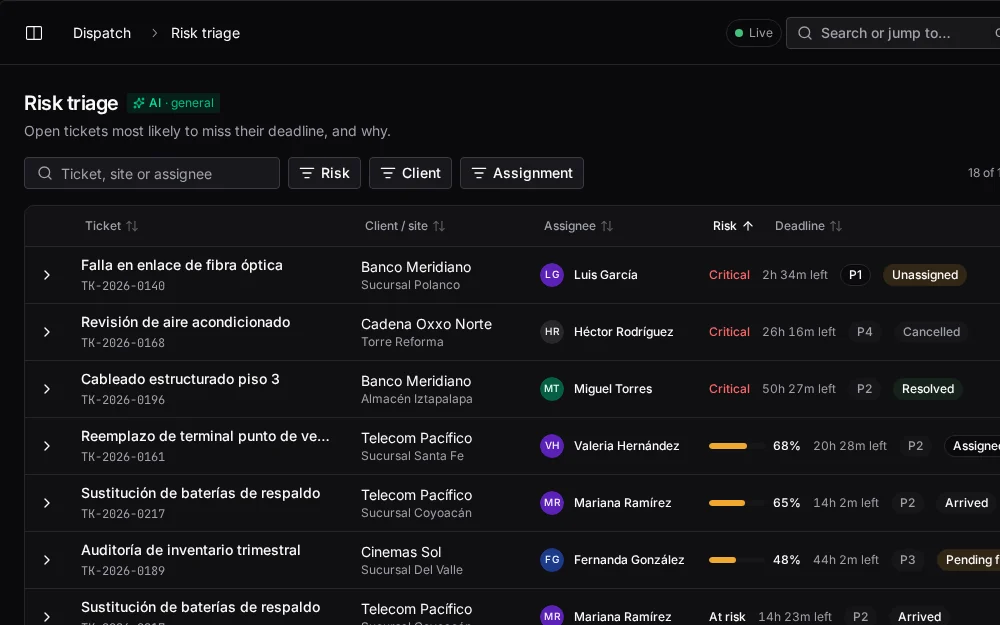
The problem
When assignment lives in a dispatcher's head and a WhatsApp group, every ticket depends on who is watching.
Assignment
The nearest technician is a guess, and nobody can explain afterwards why one person got the job.
Status
Knowing whether someone is on site or stuck in traffic means calling them, again.
Deadlines
A stalled ticket surfaces when the client calls, after the penalty has already started.
How it works
The pipeline runs on its own for every ticket. People step in where it hands them a decision.
From the client portal, from the client's ServiceNow or Jira through an integration, from the console, or registered by a technician on site. Each ticket is stamped with the client's priority matrix: response and resolution targets, service hours and holidays.
deadline = priority matrix × service hours
Before anyone is ranked, technicians outside the territory, unavailable, without a position in the last 15 minutes, at capacity, over rest limits or who already declined are removed. If nobody nearby qualifies, the search widens one tier at a time.
zone → sibling zones → region
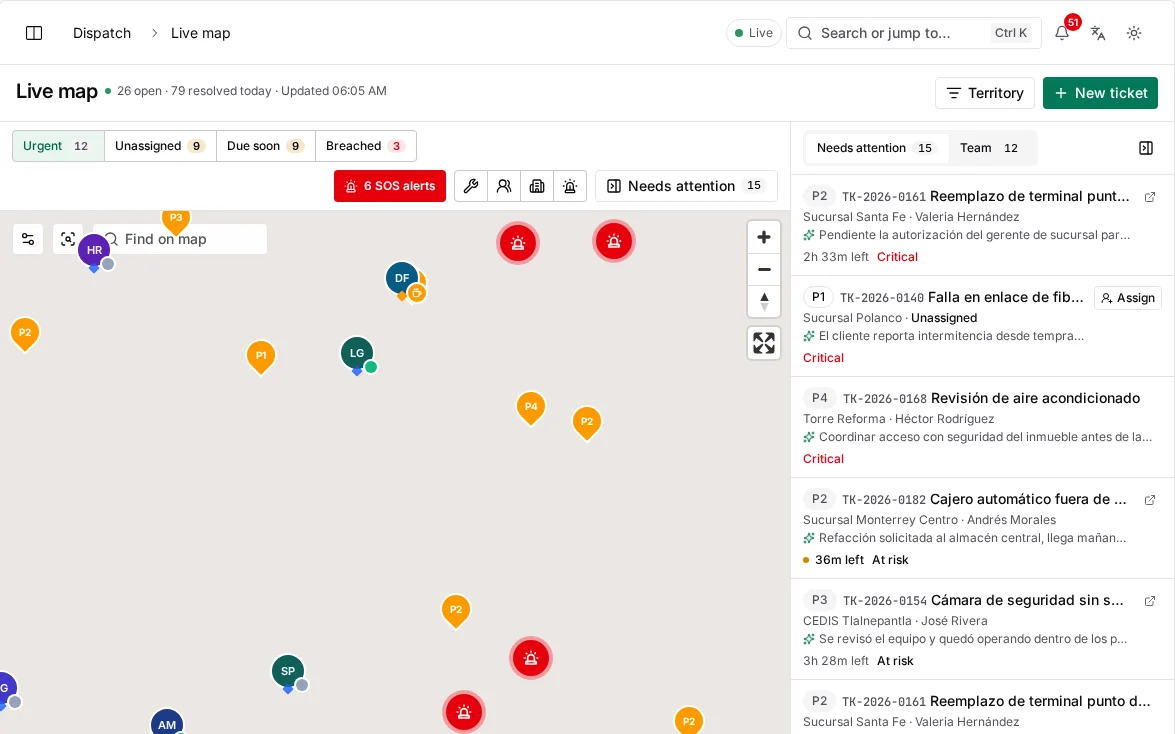
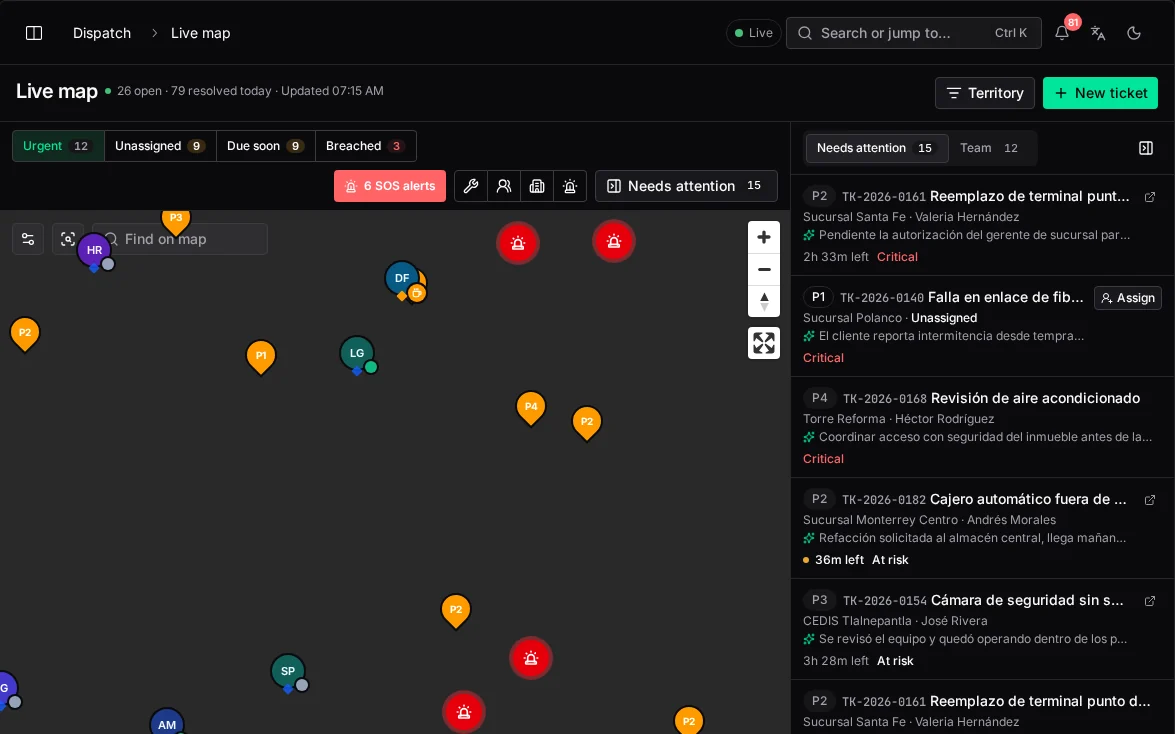
A 0–100 score from travel time on live traffic, current workload, whether the shift fits the trip and the work, and the share of required skills held. Each candidate carries a plain rationale: "12 min away, 2 of 4 tickets active, shift ends soon".
0.40 proximity · 0.25 workload · 0.20 shift · 0.15 skills
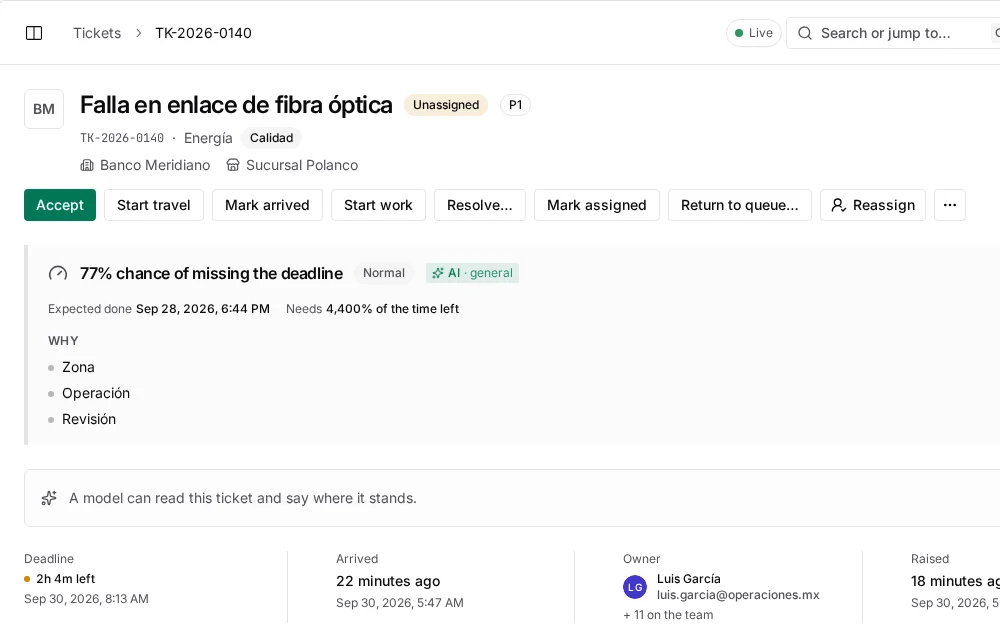
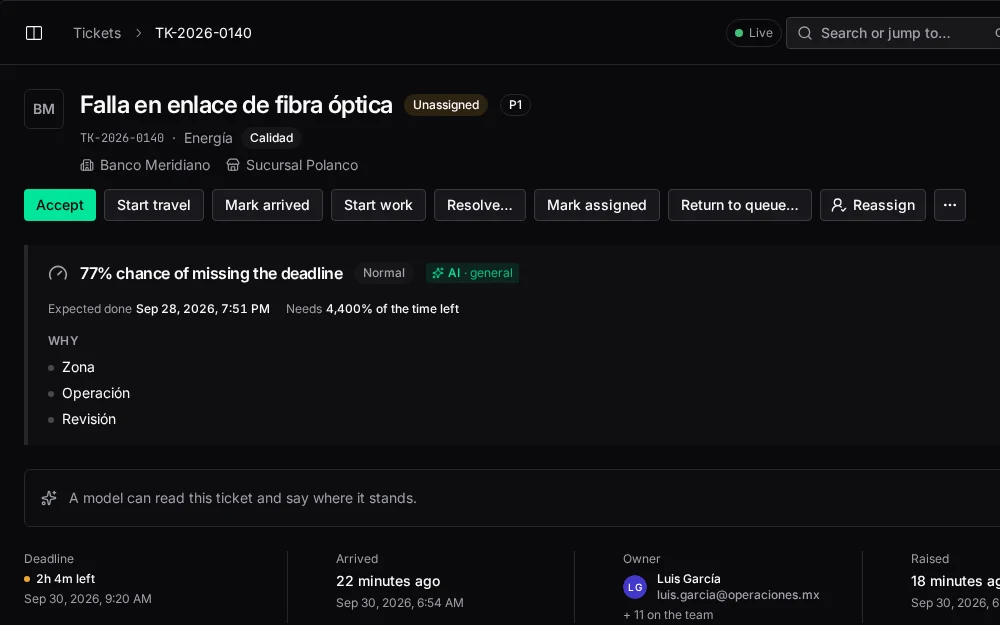
A clear winner is assigned outright. Close calls are offered to the top three at once; the first to accept takes it and the other offers are withdrawn. Everything else stays with the dispatcher, who sees the ranking and can assign anyone, with a reason.
score ≥ 90 assign · ≥ 70 offer to 3 · else dispatcher
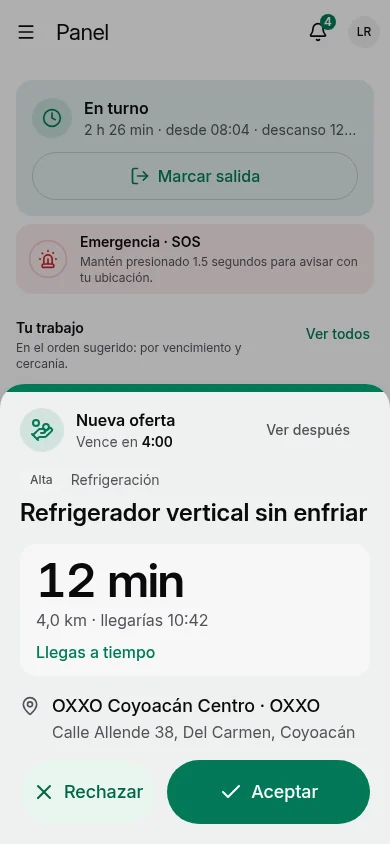
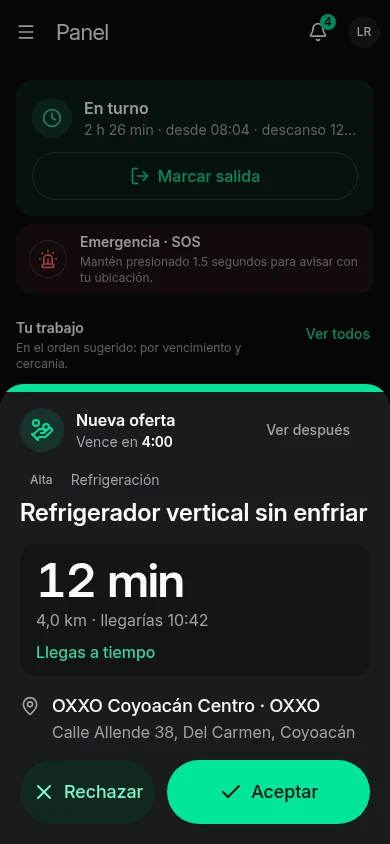
Arrival is logged automatically from GPS. Alerts fire as the deadline approaches, and the risk model ranks open tickets by their chance of breaching, with reassignment suggestions for each.
alerts at 60 · 30 · 15 min before due
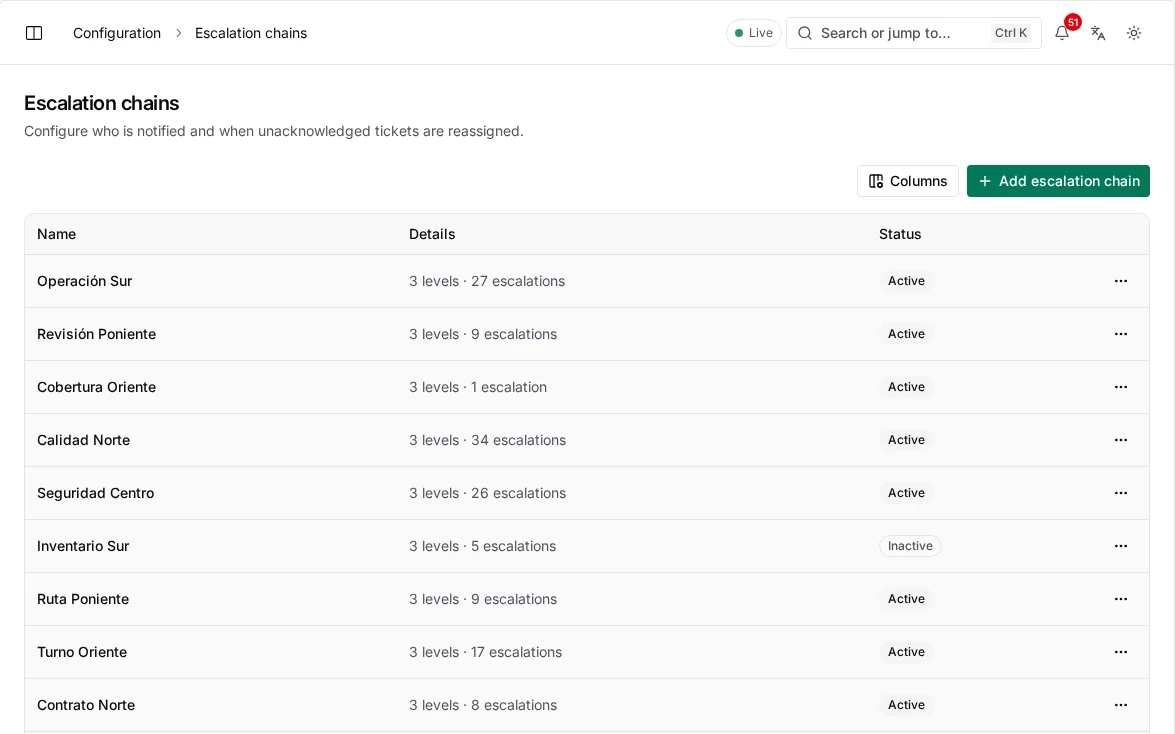
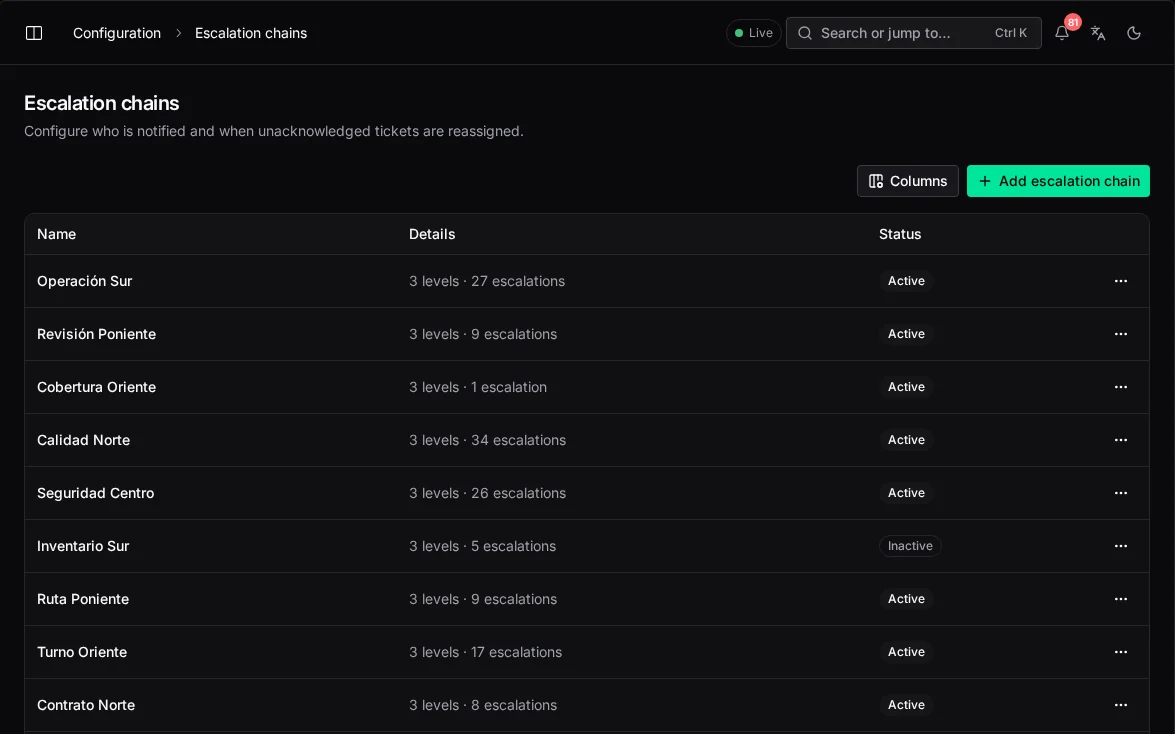
An escalation ladder wakes people in order and can take an unaccepted ticket back and dispatch it again. It stops the moment someone takes responsibility, and the history stays on the ticket.
10 min lead · 20 min manager + reassign · 45 min director
From the client portal, from the client's ServiceNow or Jira through an integration, from the console, or registered by a technician on site. Each ticket is stamped with the client's priority matrix: response and resolution targets, service hours and holidays.
deadline = priority matrix × service hours
In numbers
Travel time on live traffic carries the most weight, but a technician close by who is overloaded or about to end the shift ranks lower.
How a dispatch score is weighted
Starting weights for every ticket type; each can be tuned per contract.
| Weight | |
|---|---|
| Travel time (live traffic) | 40% |
| Current workload | 25% |
| Shift fits the job | 20% |
| Required skills | 15% |
Rules that always hold
Explainable
Dispatchers see each candidate's factors, and the audit log records whether a person or the engine decided.
Overrides
Client asked for a specific technician, part already on site, road closed. Reasons are what let the engine learn.
Concurrency
When two technicians accept at the same instant, one gets the job and the other is told it's taken. No double dispatch.
Safety
Escalation can take back a ticket nobody accepted, never one a technician is already driving to.
Fairness
A workload equity index damps the score of anyone carrying more than their peers over the last seven days.
Control
Automatic dispatch has a kill switch. Turning it off never stops a dispatcher from assigning by hand.
Configuration
These are the starting values. Change any of them in the console; each change is written to the audit log.
Who uses it
Operations manager
Manages by exception: routine work assigns itself, risk surfaces early and every technician's status is live on the map.
Field technician
Gets offers on the phone with the distance and the job, and accepts or declines in one tap.
Client regional manager
Raises tickets in the client portal and follows each one against the SLA without calling anyone.
A 30-minute briefing with your dispatch, payroll and asset flows on screen.
Keep exploring
Intelligence
What each model answers, where it appears, and what it will never do on its own.
The visibility gap
What running on WhatsApp and spreadsheets really costs, and what changes with one record.
Security
Access by role and territory, sign-in, encryption, the audit log and devices in the field.
Changelog
New capabilities and improvements across the console, field app and platform.