
Chat
WhatsApp and phone calls
Status updates and "where are you?" checks that leave nothing to audit afterwards.
The visibility gap
Most field service companies coordinate through chats, spreadsheets and photos with no time or place. The office ends up guessing what happened in the field, and payroll, stock and SLAs pay for it. Below are the six places it shows up, and what changes in each.
Where it starts
Each one works on its own. Together they leave no record anyone can audit.
Chat
Status updates and "where are you?" checks that leave nothing to audit afterwards.
Spreadsheets
Slow to keep up, easy to inflate and reconciled by hand before every payroll.
Ticketing
Generic ticket tools ignore the travel, parts and people each job actually takes.
Evidence
Proving compliance to a client or an auditor becomes guesswork.
Contractors
Blind spots in performance and compliance exactly where you have the least control.
The result
SLAs are missed without warning, equipment disappears and managers argue with technicians over estimates.
Gap by gap
For each: what it looks like today, what replaces it, how the claim is checked and what changes.
Clock-in counts only inside an authorized geofence with an accurate, non-mocked fix. Mileage is measured from the GPS trail between clock-in and clock-out.
0.0% · timesheet disputes
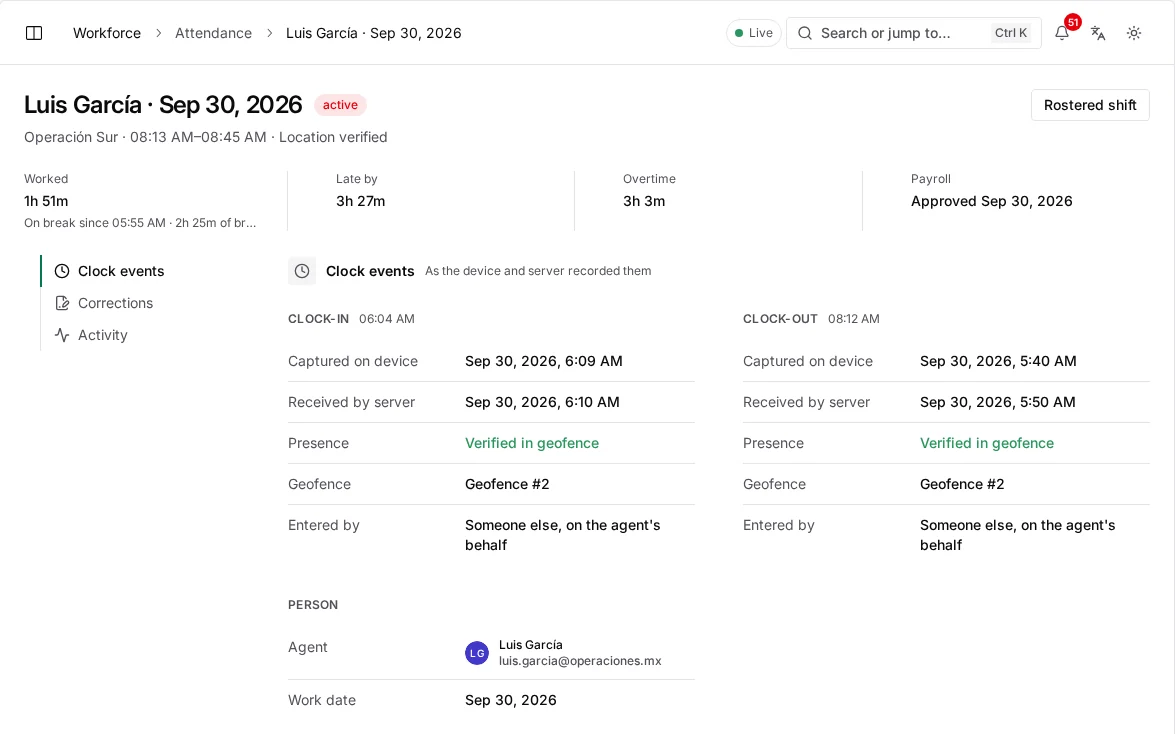
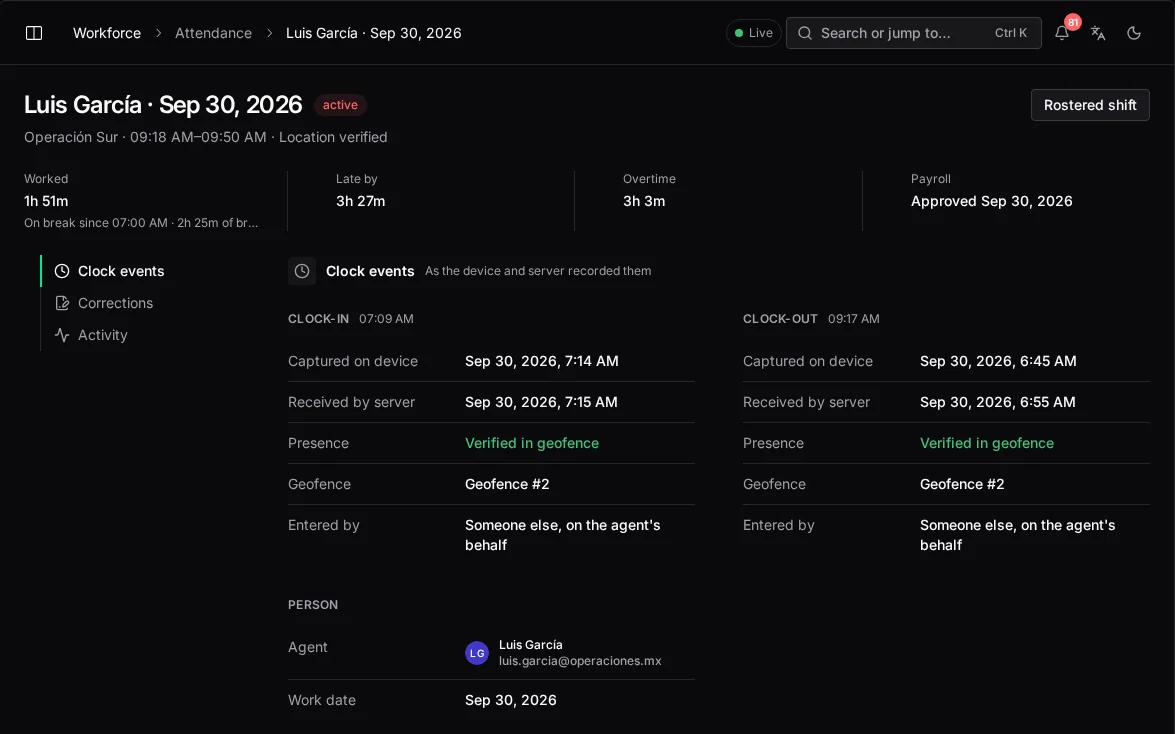
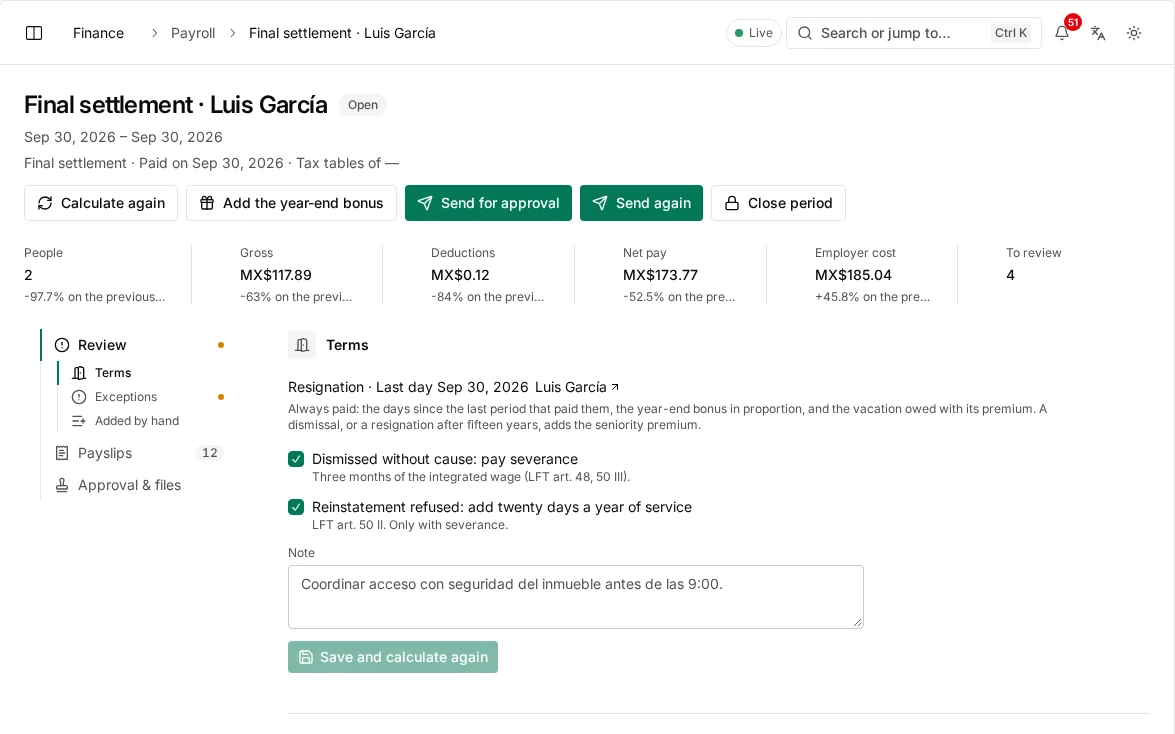
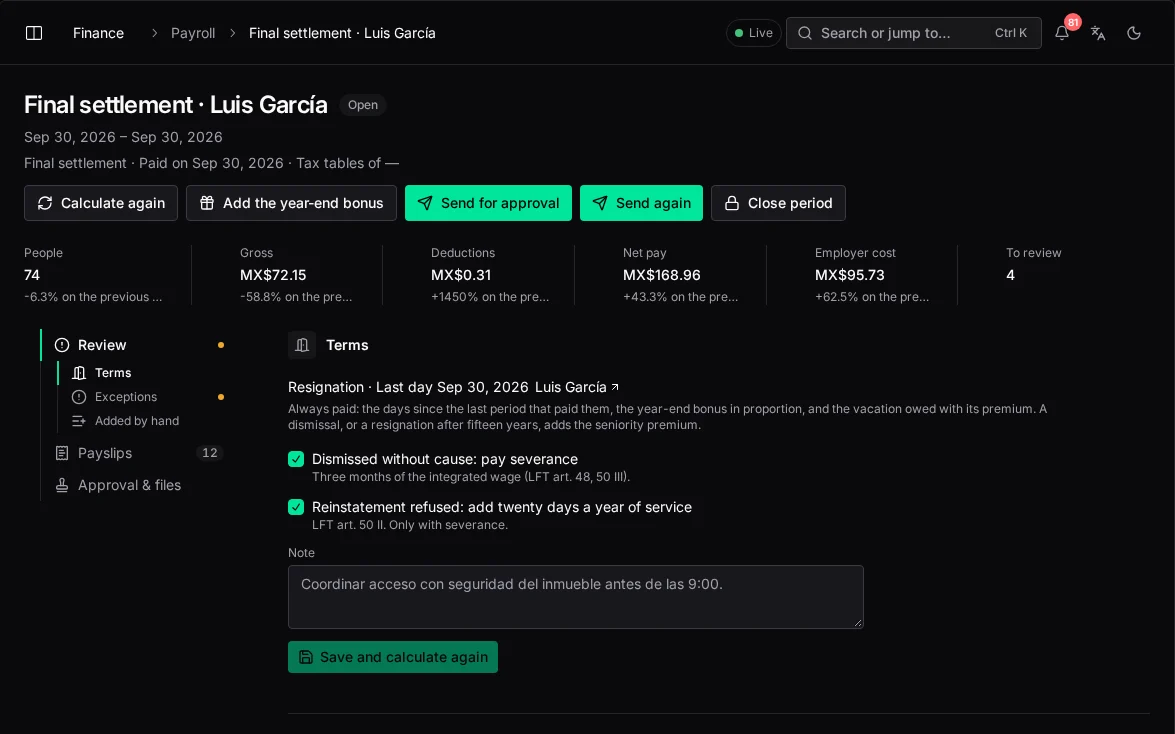
A payroll period that freezes verified hours, mileage and approved expenses and exports them. Vendor payouts follow jobs that passed quality checks.
15 min · weekly payroll, from 12–16 h
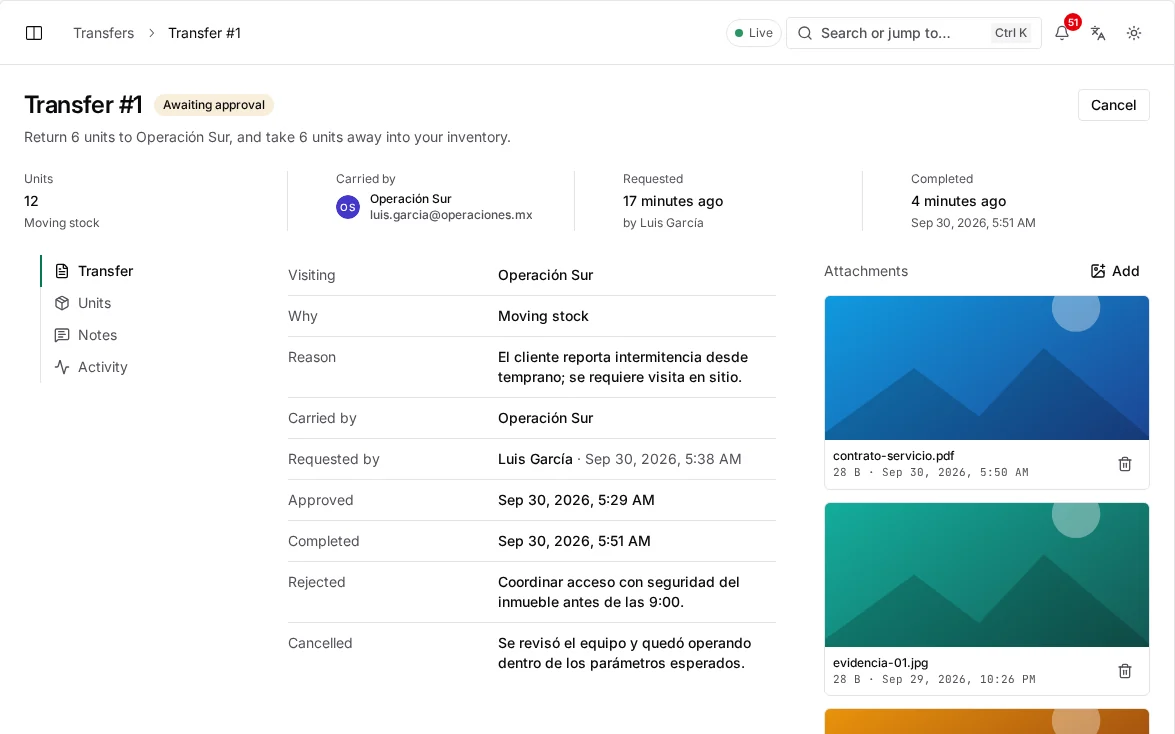
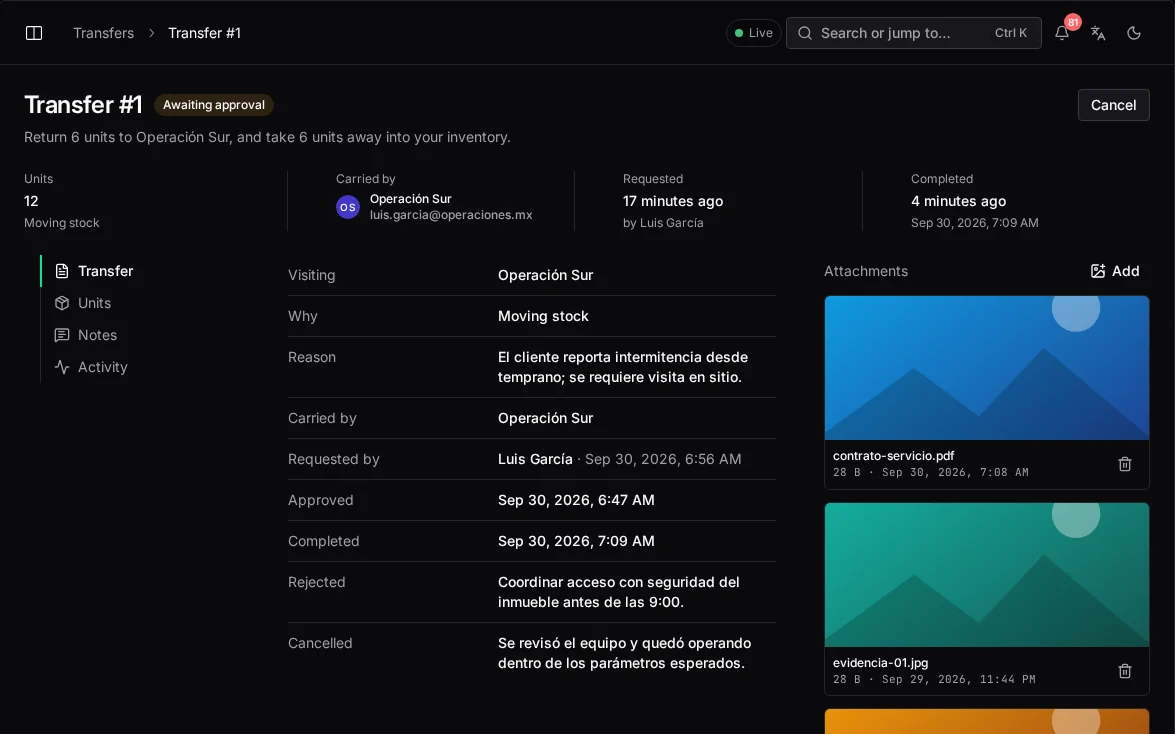
A unit moves only through a completed transfer confirmed by scan, so its location and its history can never disagree.
< 0.38% · equipment lost, from 8%
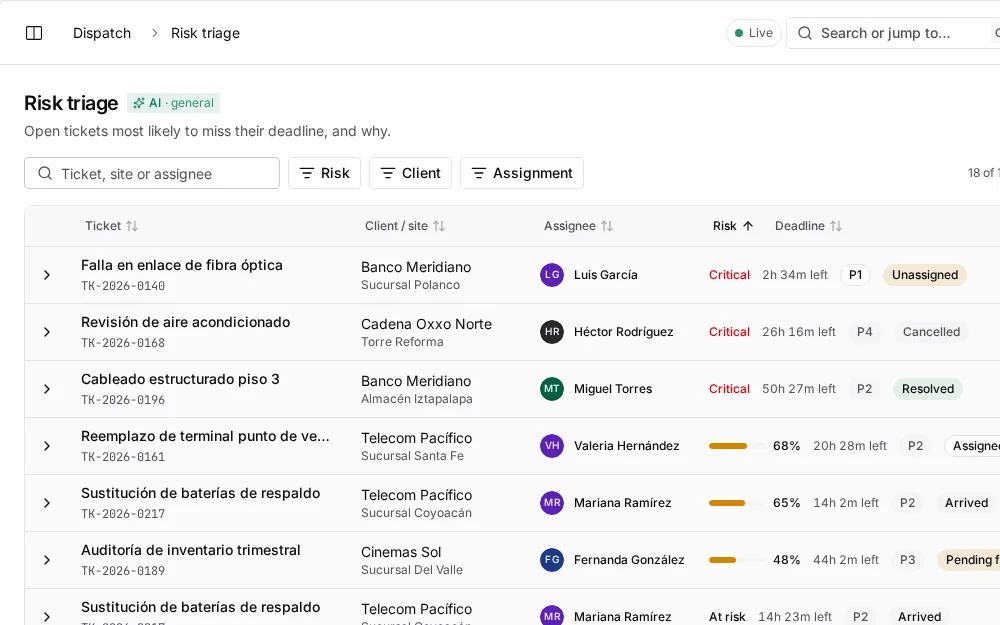
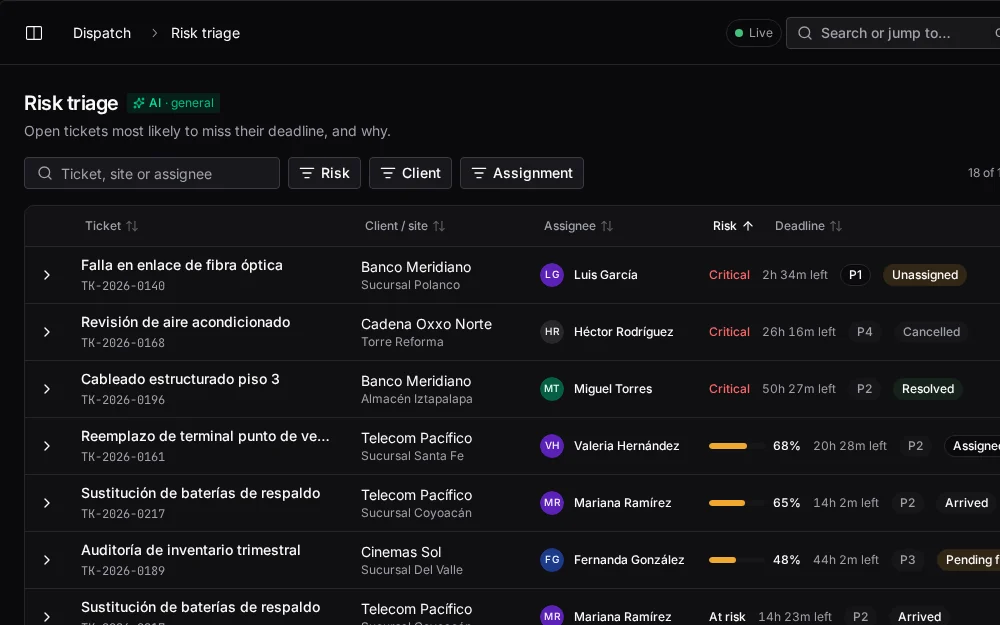
Alerts at 60, 30 and 15 minutes before the deadline, a risk model that ranks open tickets, and escalation ladders that wake the right person and re-dispatch.
< 90s · to a risk warning
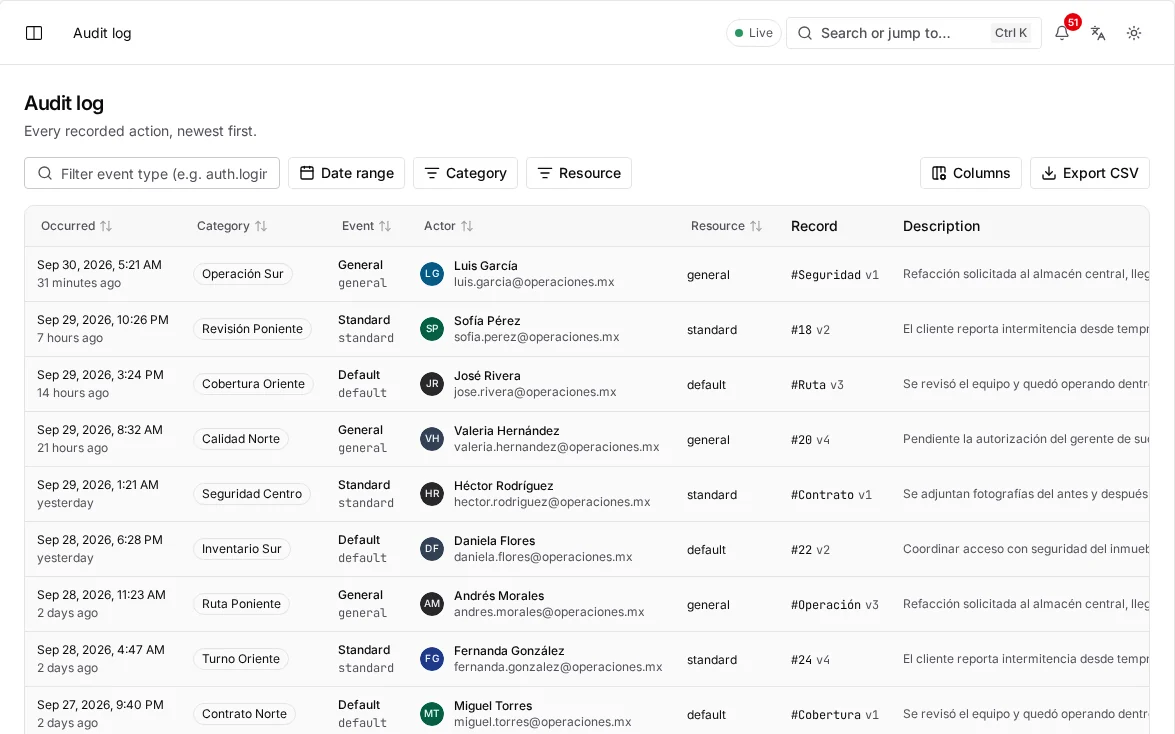
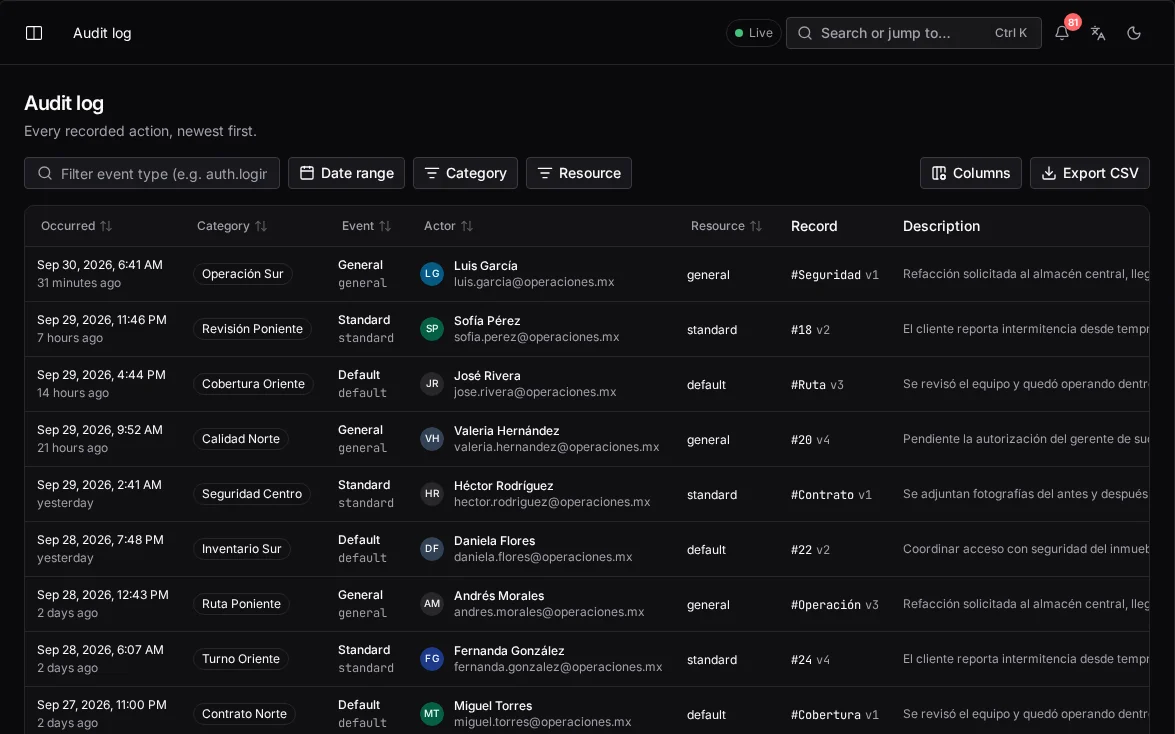
Evidence rules per client captured on site with GPS and time, a safety gate before work starts and a hash-chained audit log.
100% · evidence before closure
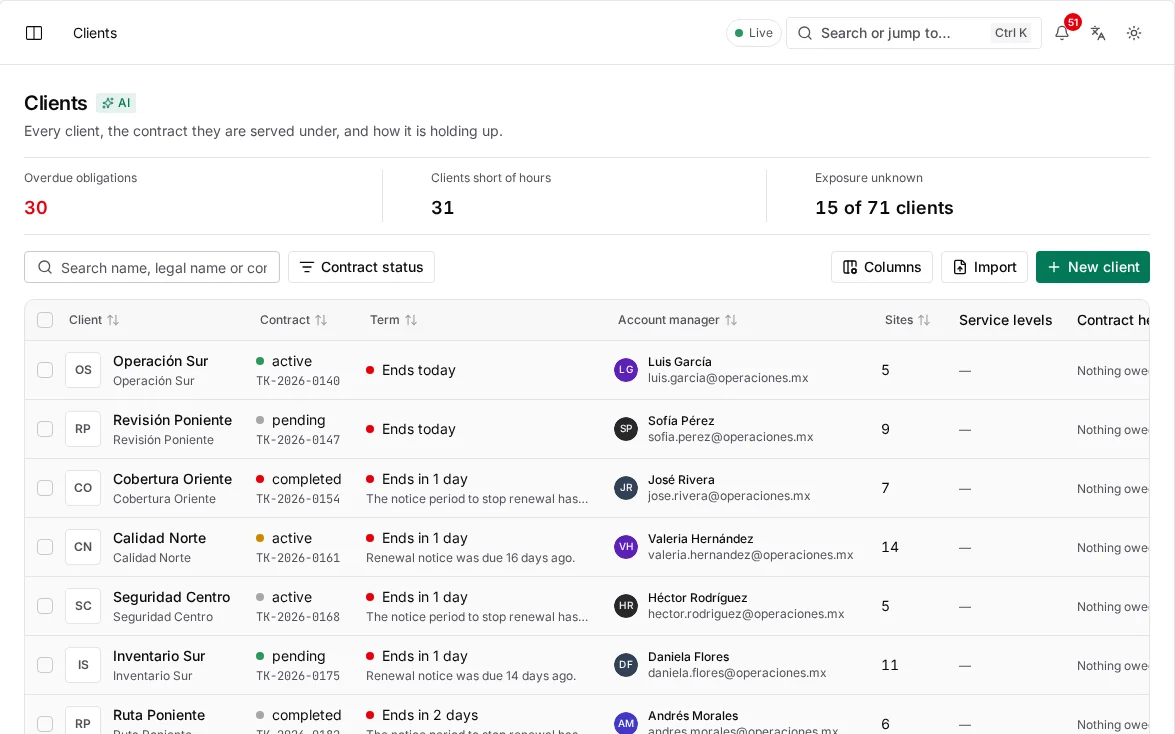
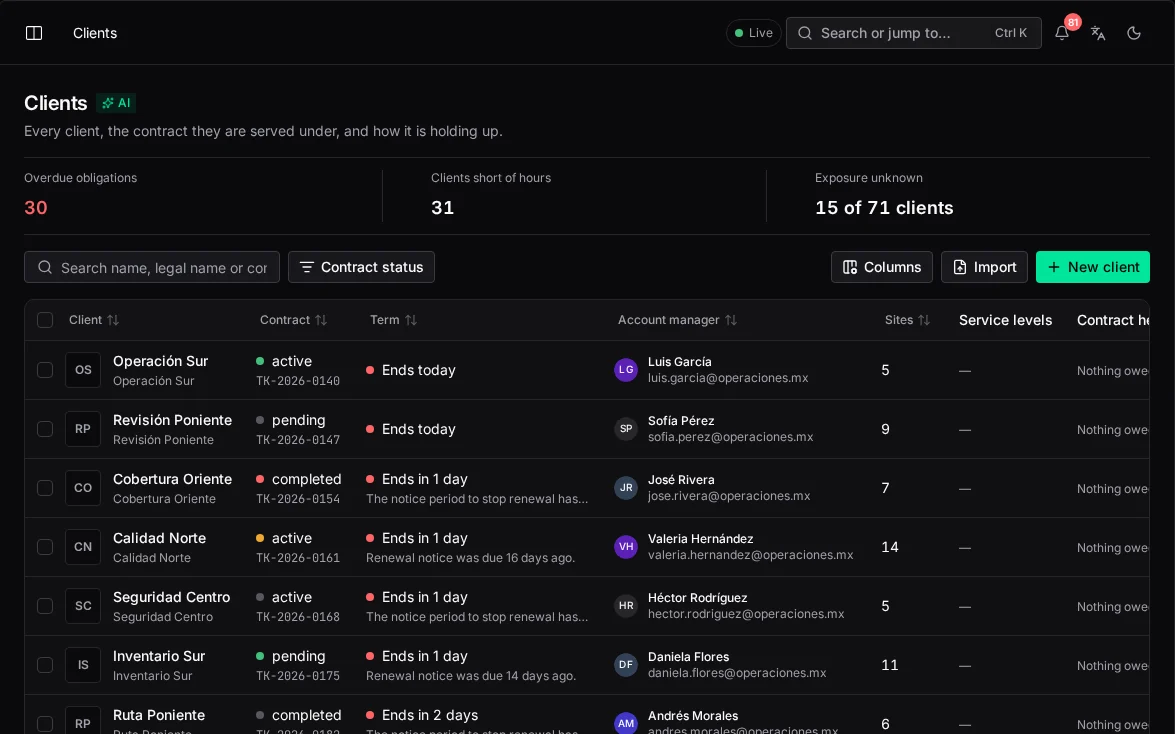
A client portal where the client raises tickets, follows each one and sees SLA dashboards, regional trends and their equipment. Events can flow to their own systems.
Live · SLA view for each client
Clock-in counts only inside an authorized geofence with an accurate, non-mocked fix. Mileage is measured from the GPS trail between clock-in and clock-out.
0.0% · timesheet disputes
Where the time goes
Most of a coordinator's week goes to checking what happened in the field. With a verified record, only the exceptions need a person.
Coordinator hours per week, by task
About 33 hours of checking a week drops to under 3.
| Before | With waydot | |
|---|---|---|
| Payroll checks | 14 h | 0.25 h |
| Status calls | 8 h | 1 h |
| Stock counts | 6 h | 0.5 h |
| Client reports | 5 h | 1 h |
Where waydot fits
Each is good at something. None ties the work to where and when it happened.
Ticketing systems
Good at
Flexible workflows
Missing
Physical proof of work
waydot's advantage
Tickets tied to verified locations and evidence
HR and payroll software
Good at
Payroll and reports
Missing
Any connection to what happened in the field
waydot's advantage
Hours and mileage verified by GPS
Traditional field service software
Good at
Industry scheduling
Missing
HR, assets and compliance
waydot's advantage
The whole lifecycle in one record
Point tools
Good at
Cheap and simple
Missing
Everything is fragmented
waydot's advantage
One system of record
Why it holds
Location first
Arrivals, clock-ins and geofence crossings are recorded from where someone is, instead of asking them to type it.
Trusted records
Mistakes are corrected through visible workflows that keep the original, on a tamper-evident log.
By exception
Dashboards lead with SLA risk, unassigned work and conflicts. When everything runs, there's nothing to look at.
Transparency
Technicians see what the system sees about them. Transparent data protects their record as much as the company's.
Privacy
Location is tracked only on shift and during active work, and technicians never see each other's movements.
Humans decide
No consequential change is made on a model's say-so alone.
A 30-minute briefing with your dispatch, payroll and asset flows on screen.
Keep exploring
Platform
How each part of the operation works, step by step, and the rules that always apply.
Intelligence
What each model answers, where it appears, and what it will never do on its own.
Security
Access by role and territory, sign-in, encryption, the audit log and devices in the field.
Changelog
New capabilities and improvements across the console, field app and platform.